Introducción
Use this guide to replace the rear facing camera on your Alcatel One Touch Fierce.
Herramientas


-
-
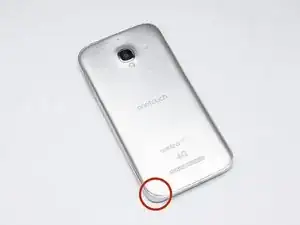
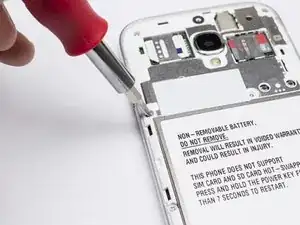
Pry with a plastic opening tool, or your fingernail, in the divot at the bottom left corner of the phone.
-
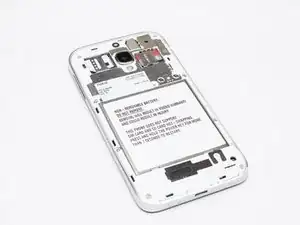
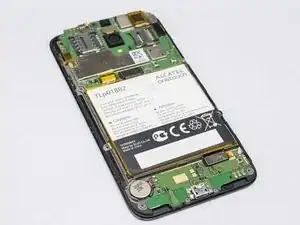
Lift the rear case by the corner nearest the divot and remove it from the phone.
-
-
-
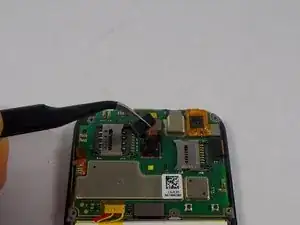
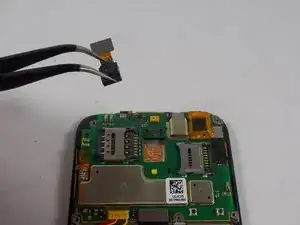
Use a pair of tweezers to gently disconnect the camera connector and remove the rear facing camera.
-
Conclusión
To reassemble your device, follow these instructions in reverse order.