Introducción
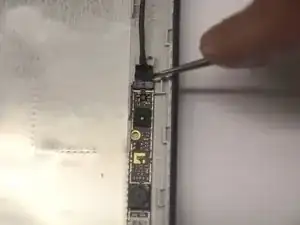
Sometimes your camera can become damaged and need replacing. Note: if your device locates the camera, you may not actually need to replace the hardware. If you do, though, this guide is for you!
Herramientas


-
-
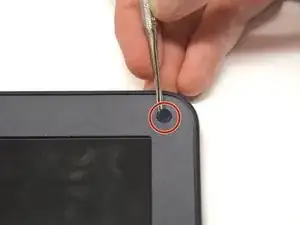
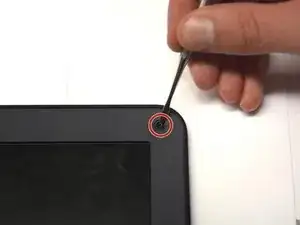
Using a flat blade, remove the two screw covers on the front of the bezel. They are attached by adhesive, so you may have to dig at it a little bit.
-
-
-
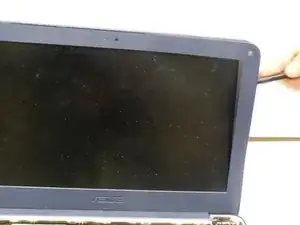
Using the plastic opening tool, carefully pry off the bezel. It will come off entirely, so be careful not to break it.
-
Conclusión
To reassemble your device, follow these instructions in reverse order.
this is poo it dont work dont buy it waste of money bad asus or should i say anus?
jodete a tu madre.
im mexican this didnt help me getting over trumps wall so f you
Kevin Stolpe -