Introducción
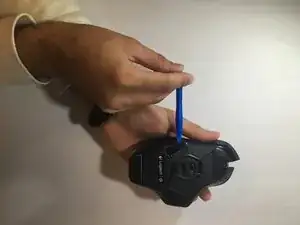
Usa esta guía para quitar las cubiertas negras que protegen las piezas blancas del botón de clic del mouse.
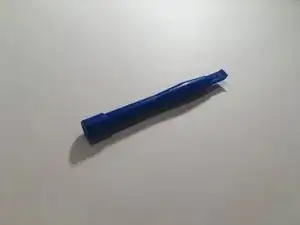
Herramientas


-
-
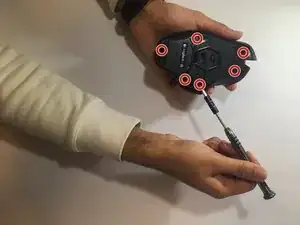
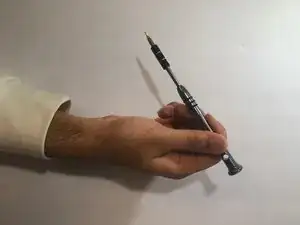
Utiliza un destornillador n.° 00 (3 x 5 mm) para destornillar los 6 tornillos que se encuentran debajo de las patas del mouse.
-
-
-
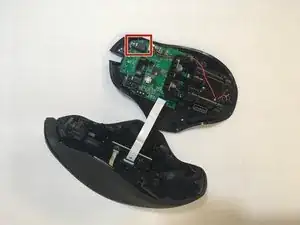
Levanta la parte superior del mouse desde la base del mouse (separe el mouse por la mitad) para exponer el hardware interno.
-
-
-
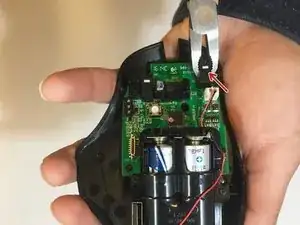
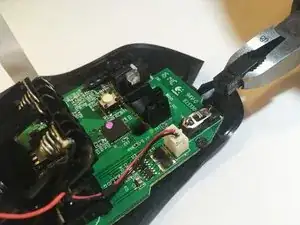
Usa alicates para sujetar y quitar las cubiertas negras sobre el botón; la cubierta negra y el botón, una pequeña pieza de plástico blanco, deben salir).
-
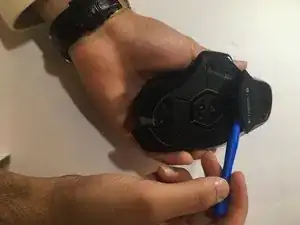
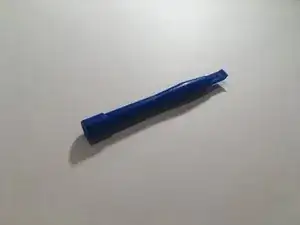
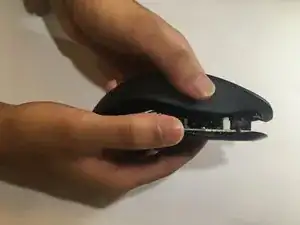
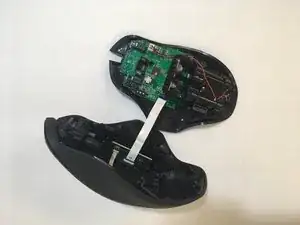
Para volver a armar tu dispositivo, sigue estas instrucciones en orden inverso.
6 comentarios
how are you supposed to put the feet back?
you have to buy new ones… i’m more concerned of using pliers to take the switch apart, when ideally you should desolder it and replace it with a proper omron switch (not made in china)
He is only removing the cover, not the whole button. But doing it with pliers is skipping that it has two clips, one at each end and you could damage the board just twisting and pulling
Are the side buttons the same?
S I -
What do you do after step 5? And that copper spring looks wrong. It shouldn’t look like that. The correct positioning is this: https://community.pcgamingwiki.com/galle...