Introducción
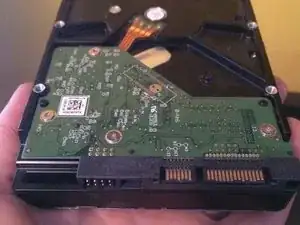
A veces, los discos duros de reemplazo no son compatibles con los sensores de temperatura iMac, por lo que el ventilador funcionará a toda marcha.
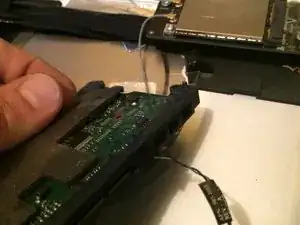
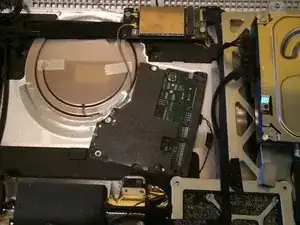
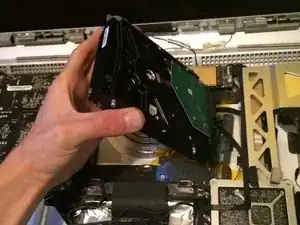
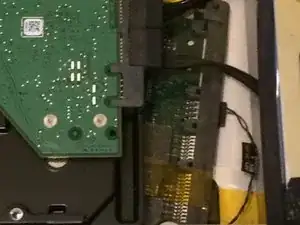
Al retirar la placa de control de su antiguo disco duro, puede hacer que el iMac piense que un nuevo disco duro es compatible, evitando que encienda el ventilador todo el tiempo.
Herramientas

-
-
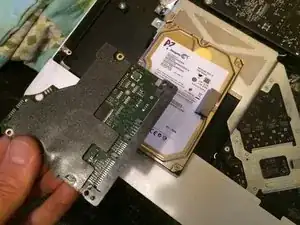
Guía bastante simple aquí. DESCARGUE la PCB de la placa lógica del disco duro ORIGINAL del iMac 2009/2010/2011 + inmersión en disco duro para el paso 1:
-
-
-
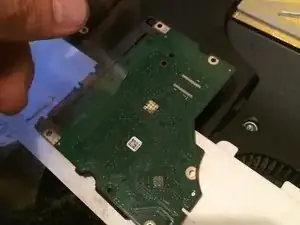
Cinta antiestática en la placa lógica PCB del disco duro original del iMac. Asegurándose de que no toque nada, como seguridad.
-
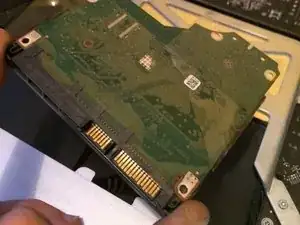
ASEGÚRESE DE CONECTAR solamente el cable del sensor de temperatura del iMac a la placa lógica del disco duro que hemos grabado en la carcasa posterior del iMac, esto es crucial. Esto hará que el iMac controle la velocidad del ventilador de manera normal. :)
-
Para volver a montar su dispositivo, siga estas instrucciones en orden inverso.

3 comentarios
Hi! So sorry about that. I did not put in the exact corresponding models which will work with this exact guide (only models WITH temp sensor cable apply* here). Thanks so much for checking it out! I made this a while back, sort of to keep what I had done in archive and to *possibly* help others. For one software fix* I have used a program for Mac called "SSD Fan Control" and it does wonders. For a permanent fix I am not so sure/ there may be kits available through some 3RD party mac stores . Possibly even here ?! That help reroute the internal temp sensor models. Again apologies and best of luck to anyone trying to figure this out. haha :)
I use HDD Fan Control. It uses the temperature read by S.M.A.R.T in the replacement drive. http://www.hddfancontrol.com/
steve -
Can somebody explain how the apple control system works exactly? Why is the above mentioned fix really safe?