Introducción
Verificaremos si tu disco duro funciona bien.
-
-
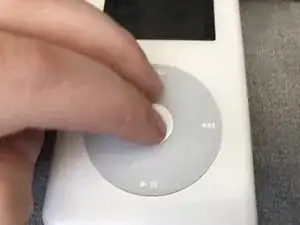
Mantén presionado el botón SELECCIONAR (central) y el botón MENÚ para reiniciar tu iPod.
-
Luego mantén presionado el botón de selección (central) y el botón de pista anterior.
-
-
-
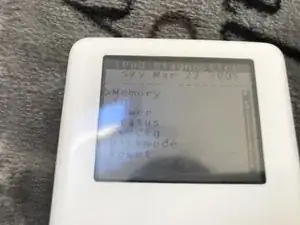
Si recibes un mensaje "11ror!" tu HDD (disco duro) está tostado. RIP HDD ;(
-
De lo contrario, ¡tu HDD está bien!
-
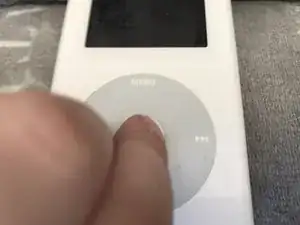
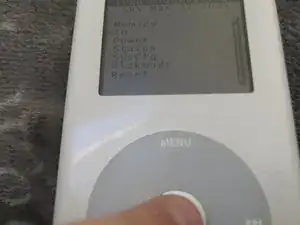
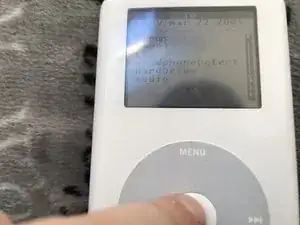
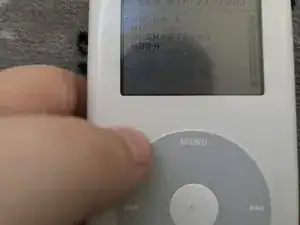
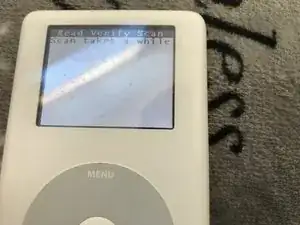
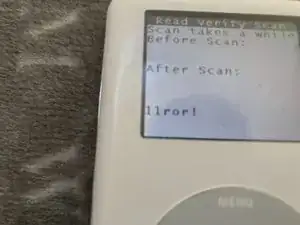
Para reiniciar tu iPod, mantén presionado el botón de selección (central) y el botón de menú.

4 comentarios
After holding down select and previous track buttons in Step 1, my iPod always shows a warning sign with www.apple.com/support/ipod Is there a way to get around this?
Dead hard drive then.
If it's a red x then yes, your hard drive is dead.
To be completely honest reading this guide I did a really bad job of being professional. Sorry for the cringe guys.
I am able to get to the scanner, but my iPod boot loops before its able to finish. What would that mean?