Introducción
Is your phone not taking photos properly? Consider using this guide to replace the rear camera in your device.
Herramientas


-
-
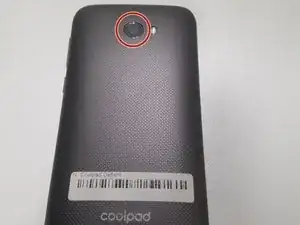
Turn the phone with the back cover facing towards you.
-
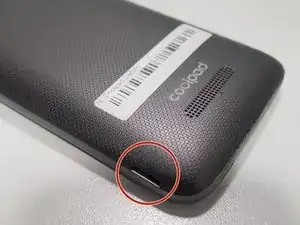
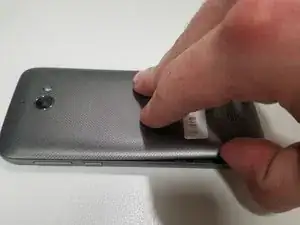
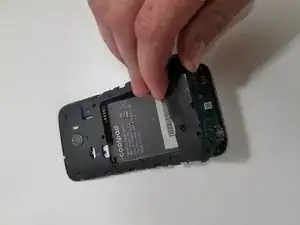
Carefully remove the back cover by holding one corner of the case and carefully pulling it away from the phone.
-
-
-
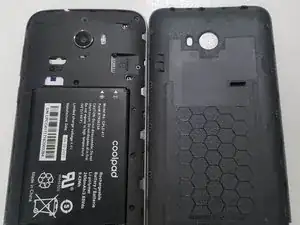
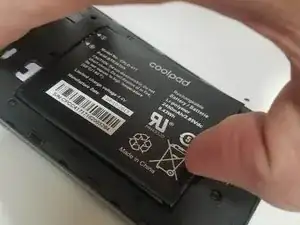
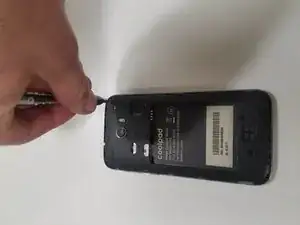
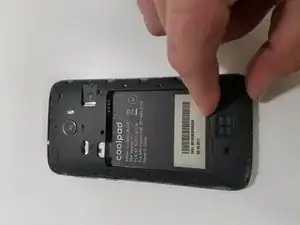
Find the gap on the bottom of the battery.
-
With a tool or with your hands, pull the battery upward and set it aside safely.
-
-
-
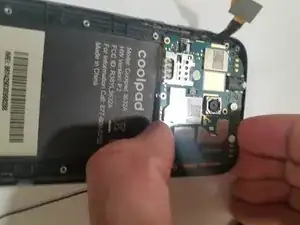
Using a Phillips #000 screwdriver, remove the screws holding the rear mid-frame cover to the mid-frame assembly.
-
-
-
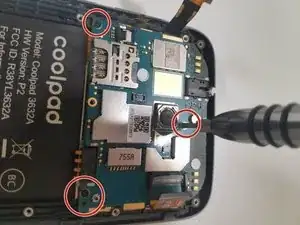
Using the Phillips #000 screwdriver, remove the three screws holding the top logic board to the main frame.
-
-
-
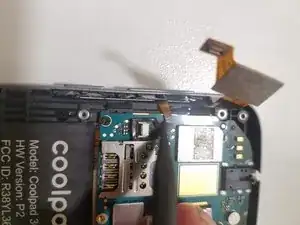
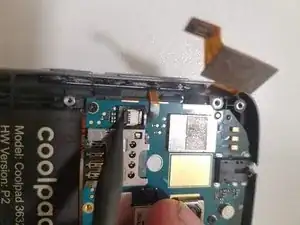
Using the plastic pry tool, remove the flex cables for the screen, side buttons, and digitizer.
-
Using the same tool, remove the antenna from the bottom logic board
-
-
-
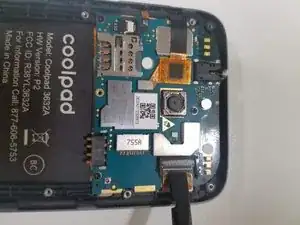
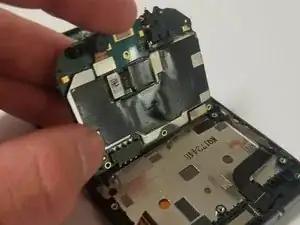
Carefully pull up on the upper logic board starting from the top and pull it straight up.
-
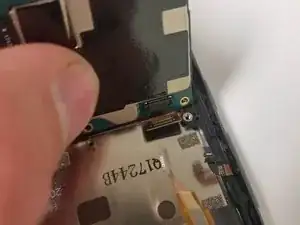
Once the logic board is lifted perpendicular to the mid-frame, remove the flex cable on the bottom left side of the board.
-
-
-
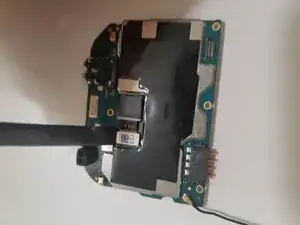
Flipping the logic board upside down, use the plastic pry tool to disconnect the flex cable connecting the camera to the logic board.
-
Pull straight up on the camera and it will slide out of the logic board.
-
To reassemble your device, follow these instructions in reverse order.