Introducción
Quitando la cubierta del Apple IIc es el requisito para cualquier reparación en un ordenador y te permite ver el funcionamiento eterno de este dispositivo.
Herramientas

-
-
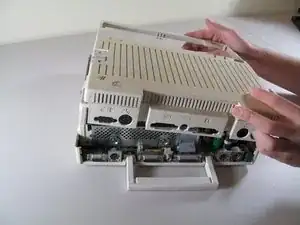
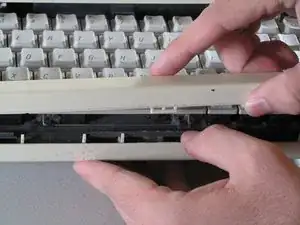
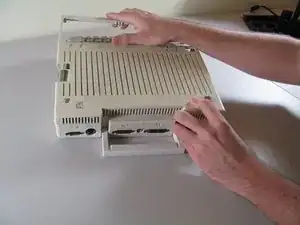
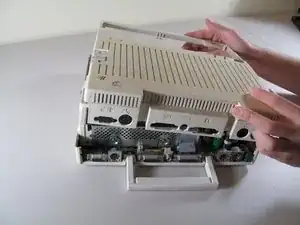
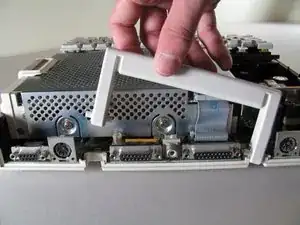
Desliza la carcasa hacia los puertos en la parte trasera, entonces agarra por debajo de la pestaña y tira hacia arriba mientras la deslizas hacia los puertos para quitarla.
-
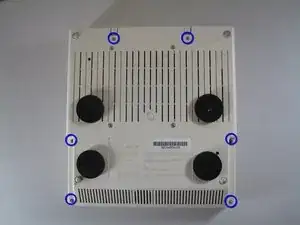
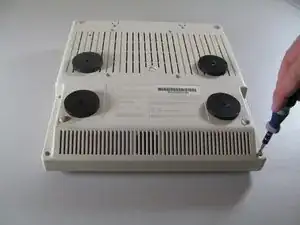
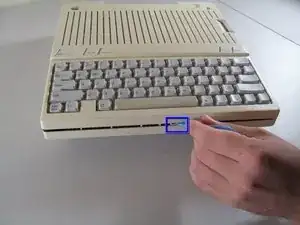
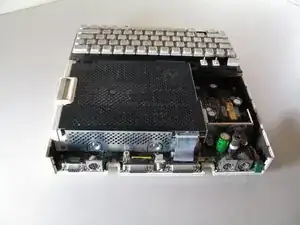
Para volver a montar tu dispositivo, sigue estas instrucciones en orden inverso.

2 comentarios
The //c is designed to be popped open. Remove the 6 screws as described. Flip the handle down and tip the //c 3-4 inches over a hard surface and let it drop. The handle will pop the rear catches off safely.
It looks and sounds scary but it's how Apple trained dealer techs to open the machine. There isn't anything in a //c that is shock sensitive.
Wow! Worked perfectly as described — and nothing broke. Hard to imagine I always had used steps 2, 3 (after removing the ports cover) and 4 in the past. Thanks, Sean!
mthmn1 -