Introducción
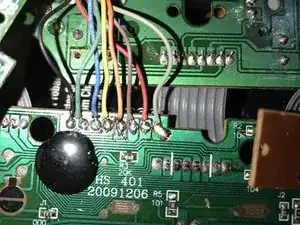
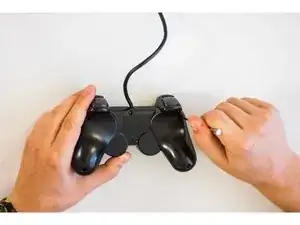
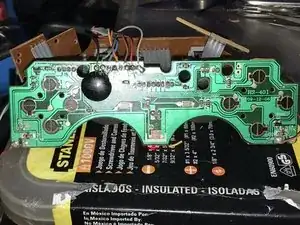
Tengo este controlador DualShock que tenía los cables rotos, pero no encontraba cómo conectar cada cable en esta placa que parece ser una CHS-401, así que me tomé la molestia de encontrar cómo y aquí está.
Espero ayudar a alguien.
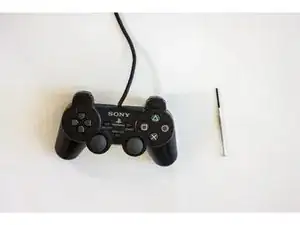
Herramientas


-
-
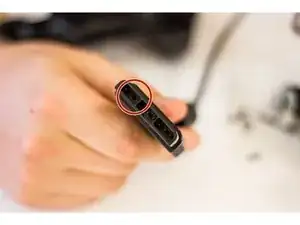
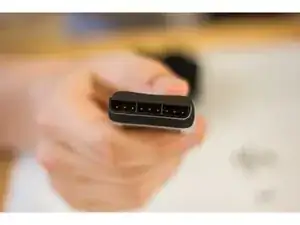
Primero, comprueba que al puerto de conexión de tu controlador (Wireless o no) tiene todos los pins.
-
Si tienes un controlador alámbrico, prueba moviendo el cable de conexión, esto puede reconectar cables sueltos y puede ser un arreglo temporal.
-
-
-
Una vez se han quitado los tornillos, cuidadosamente abre el mando con las manos.
-
Quita el tornillo que está sujetando la placa de circuitos en su sitio.
-
-
-
Analiza los pads de goma por si hay algún deshecho poniendose en el camino de los pads negros. Esto provoca que no se produzca un contacto apropiado.
-
-
-
Si has seguido los pasos anteriores y sigues teniendo dificultades con el funcionamiento de tus botones, deberías de reemplazar la placa base o la placa del cable flexible.
-
-
-
Sigue los pasos al revés para devolver el mando a su estado original, conéctalo y comprueba si funciona.
-
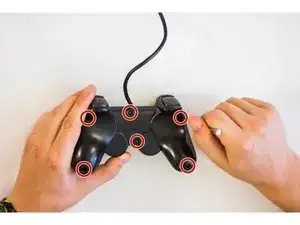
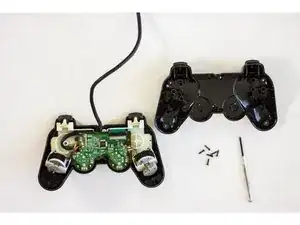
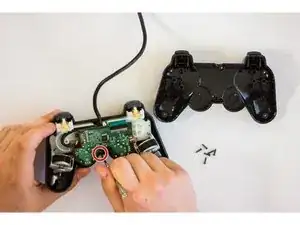
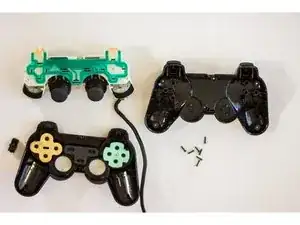
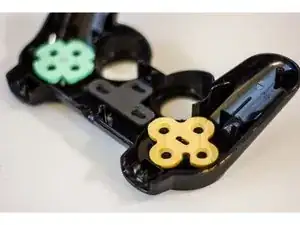
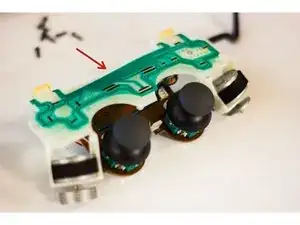
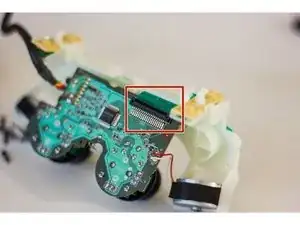
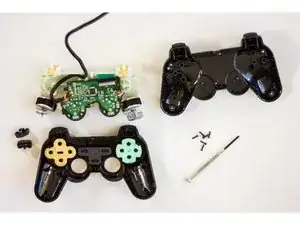
Para volver a armar tu dispositivo, sigue estas instrucciones en orden inverso.
If it's missing a pin, then what do you do?
Terry Lopez -
Some models of the DualShock2 controllers could be missing the pin circled in the picture. After doing some online searching, I found the pin slot circled in the picture is the connector for a white wire, which is listed as unused for some controller models. -So if your controller is only missing that one, and the other 8 pins are in their place (and straight) you should be fine. However if you believe you are missing a pin. I really don't see a way you could replace the individual pins with out breaking the case for the entire connector port. I would buy a new one at that point, maybe keep the old controller for its guts. (assuming the only problem is the pins)
stevon shaw -
THANKS stevon i was looking for this
aswin P Kumar -
What if one of the pins are bent?
Adam Bolyard -
When looking into the port with the arrow up, that second pin from the right is not always there and it should be fine. that one out of the nine pins is optional and only used for certain peripheral like light guns, newer model controllers come from the factory without that pin.
berzerkeror -