Introducción

This guide will show you how to properly change the power button on your device.

Herramientas

  1. 1SjF1UV4EGfWAA1a
    1SjF1UV4EGfWAA1a
    PexKllKx2DWTSdCi
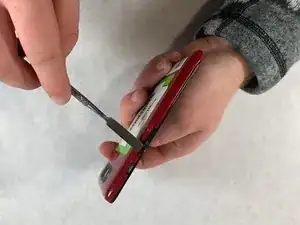
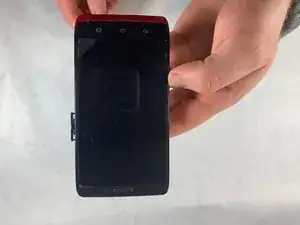
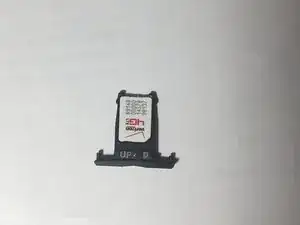
    • Gently remove the SIM card tray from the device using the spudger.

  2. O1RUMkursHKWfkkG
    • In the Motorola Droid Ultra XT1080 the SIM card tray also acts as the Volume control button.

Conclusión

To reassemble your device, follow these instructions in reverse order.

knoyes

Miembro Desde 31/10/18

785 Reputación

0 comentarios