Introducción
Sólo requisito previo.
Herramientas


-
-
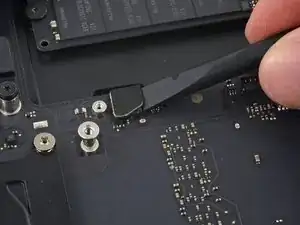
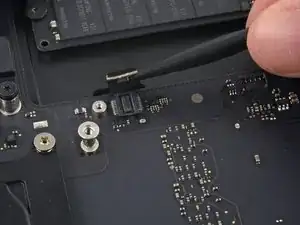
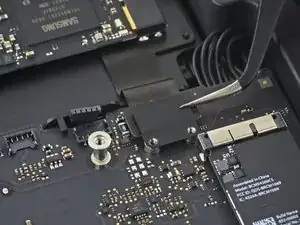
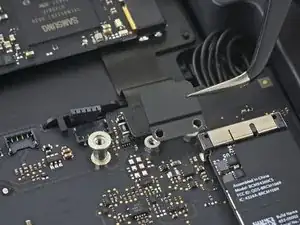
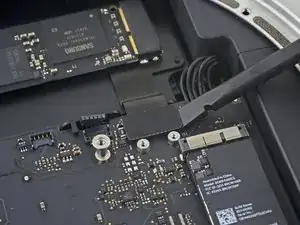
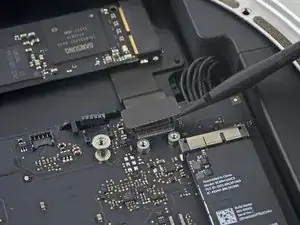
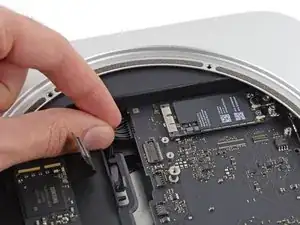
Usa el extremo plano de un spudger para levantar el conector del cable SATA de su zócalo en la placa lógica.
-
-
-
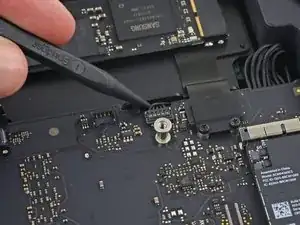
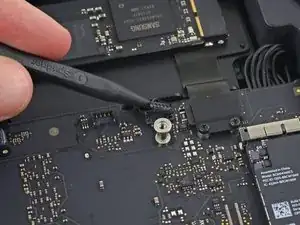
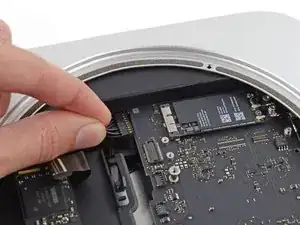
Usa la punta de un spudger para desconectar el conector del cable del sensor de infrarrojos levantándolo directamente de su zócalo.
-
-
-
Los siguientes tres pasos solo se aplican a las minis Mac equipadas con un SSD PCIe. Omita los siguientes tres pasos si su Mac mini solo tiene un disco duro.
-
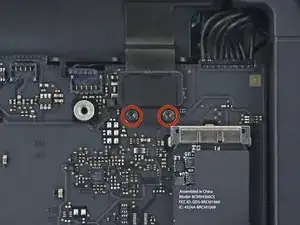
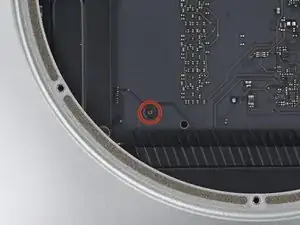
Retira los dos tornillos T6 de 2.6 mm que sujetan el soporte del cable SSD PCIe.
-
-
-
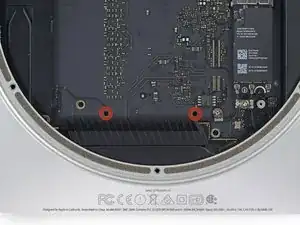
Inserta la herramienta de extracción de la placa base del Mac minien los dos orificios resaltados en rojo. Asegúrate de que las varillas entren en contacto con la caja debajo de la placa lógica antes de continuar.
-
-
-
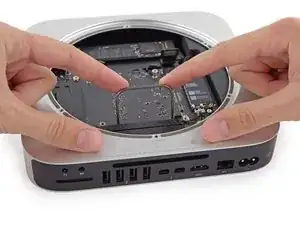
Tira con cuidado de la herramienta hacia la placa de E/S. La placa lógica y el conjunto de la placa de E/S deben deslizarse ligeramente hacia afuera de la caja exterior.
-
Deja de hacer palanca cuando la herramienta de extracción haga contacto con la abertura de la caja trasera.
-
-
-
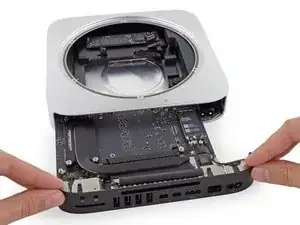
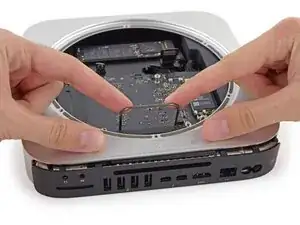
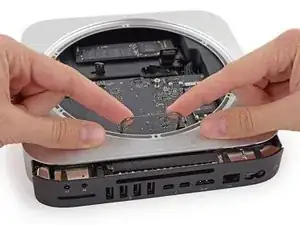
Desliza con cuidado el conjunto de la placa lógica fuera de la Mac mini, teniendo en cuenta los cables que puedan quedar atrapados.
-
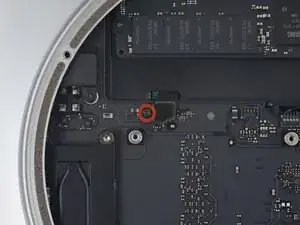
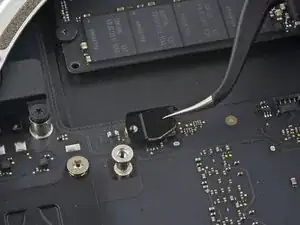
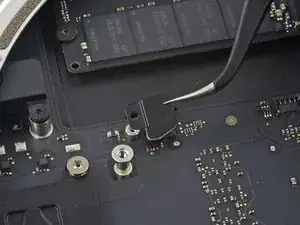
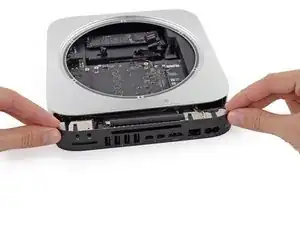
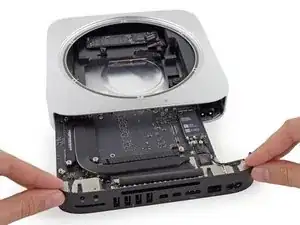
Para volver a ensamblar tu dispositivo, sigue estas instrucciones en orden inverso.

This screw is very short, when I tried to put it back, the beginning of its thread got dusted and now it's impossible to use it to fix the bracket in place. It should be 3.5 mm instead of 2.6. Nevertheless, the SATA connector is firmly attached to the logical board withou screw+bracket and my mac mini is working nicely.
mario.estolano -
My mini came with only a PCIe SSD on it. When I got to this point, I discovered that because it was never shipped with a hard drive, there was no securing screw, no cable connector bracket, no cable connector, and no hardware for securing the drive. Fortunately, there is still a hole in the logic board where the SATA cable is supposed to pass through, and the logic board does have the appropriate connector. if you buy an OEM SATA cable, you can actually secure the SSD in place using a little bit of electricians tape. Because it has no moving parts, it’s not going to rattle itself loose. I am more concerned about not having a cover for the place where the SATA cable clips to the logic board, but I put a little electricians tape over it to hold it in place and I will see how that works.
MrSpiral -
If you are adding a sata drive to a pcie mac mini 2014 only you wont have this part - as per MrSpiral’s pos. Using a 2012 additional drive kit will give you the sata connector to connect the drive to the logic board but not the securing screw and plate (next step) it would be good to be able to get this part. if anyone has any links that would be appreciated.
Edward Chandler -