Introducción

Individuals will be able to replace their laptop's battery following these quick and easy steps.
  1. Fub12cffkXopv6vd
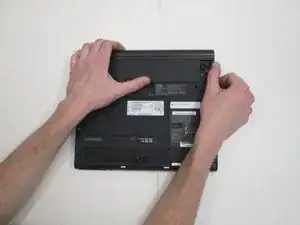
    • Turn laptop over, make sure lid side is faced down.

  2. kbYMJ1y3N6GJJ3Vw
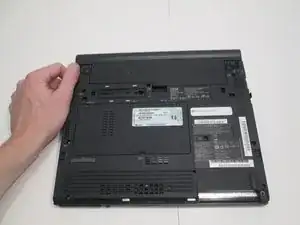
    • Locate battery release button lock on laptop, and press down.

  3. lN5wfYT4viwFHbXQ
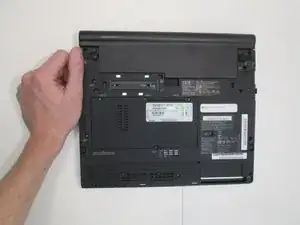
    • Hold laptop battery release button and gently pull battery away from laptop.

Conclusión

To reassemble your device, follow these instructions in reverse order.

Magaly Espinoza

Miembro Desde 12/09/16

183 Reputación

0 comentarios