Introducción

In this guide we will teach you how to properly remove and replace the LG Tribute HD's volume and power buttons

  1. eIsbNCNVLSdZslXK
    eIsbNCNVLSdZslXK
    yDTKlCVt6XHFM16Y
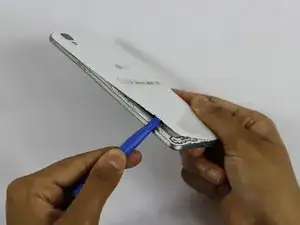
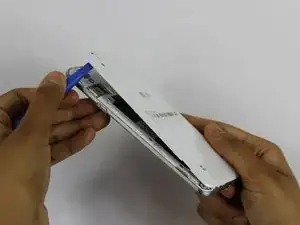
    • Insert a fingernail, or plastic opening tool, into the cutout on the back cover and pry outward to remove.

  2. HoaUbftseQaebo1N
    HoaUbftseQaebo1N
    suTHEwFQ2wFKMuHt
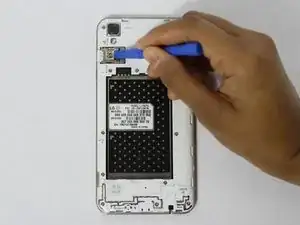
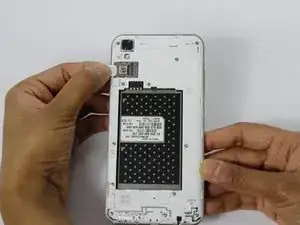
    • Pull the battery out of the phone.

    • Remove the SD Card by sliding the card out as shown.

  3. SDAyKJMqYPLkZ4ss
    SDAyKJMqYPLkZ4ss
    sWmGMFiBpUr1KZGS
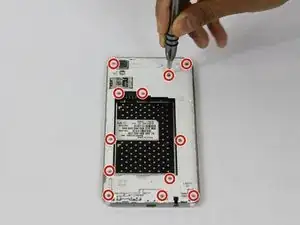
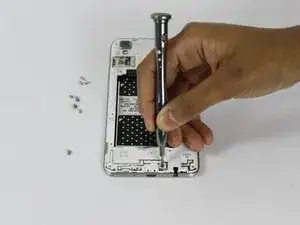
    • Remove the twelve 2mm JIS #00 screws from the mid-frame.

  4. SsxZujoZrnFayxhY
    SsxZujoZrnFayxhY
    Nv1qCLxRNo1JS1IC
    sC2lIhiDkeegNAL3
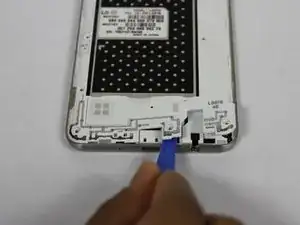
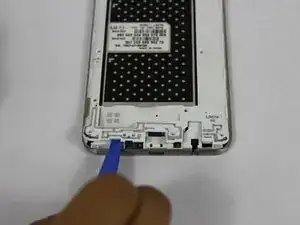
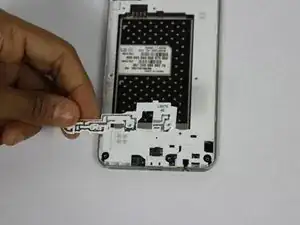
    • Using a plastic opening tool, remove the antenna extender from the mid-frame.

  5. YVSd642KsiBKv2AI
    YVSd642KsiBKv2AI
    5XeJSkaevwOnM2Ns
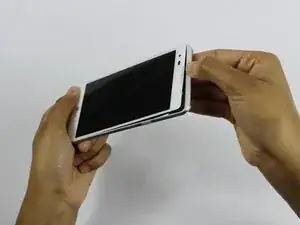
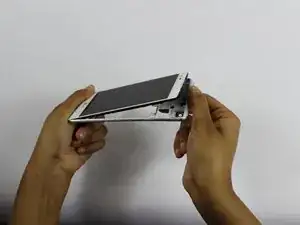
    • Using your fingers, remove the mid-frame.

  6. Wsjs2dPNhQnKRBGC
    Wsjs2dPNhQnKRBGC
    o1lXtOKfI1ctXVi4
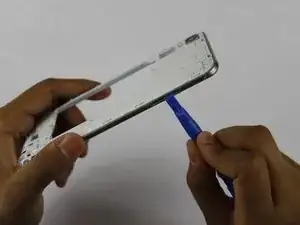
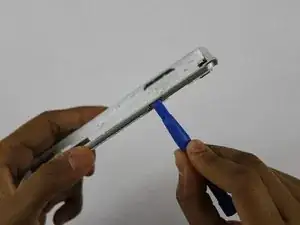
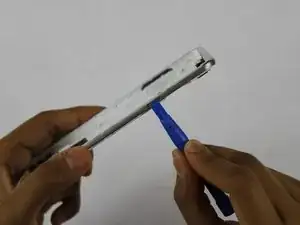
    • Use a plastic opening tool to remove the buttons by pushing them in until they pop through.

Conclusión

To reassemble your device, follow these instructions in reverse order.

Dhruv Patel

Miembro Desde 14/02/18

273 Reputación

Un comentario

Thanks man. It worked!

Elijah Montgomery -