Introducción

This guide will teach you how to properly replace the headphones jack in the LG Tribute HD LS676.

  1. eIsbNCNVLSdZslXK
    eIsbNCNVLSdZslXK
    yDTKlCVt6XHFM16Y
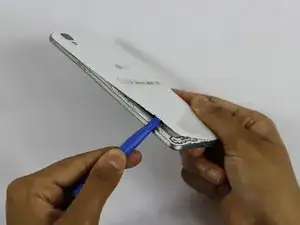
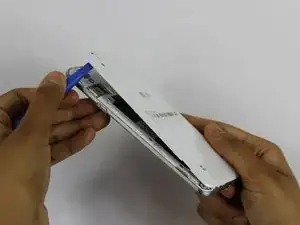
    • Insert a fingernail, or plastic opening tool, into the cutout on the back cover and pry outward to remove.

  2. HoaUbftseQaebo1N
    HoaUbftseQaebo1N
    suTHEwFQ2wFKMuHt
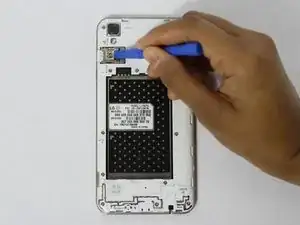
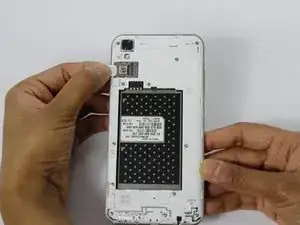
    • Pull the battery out of the phone.

    • Remove the SD Card by sliding the card out as shown.

  3. cuffeCErdr2nAHfi
    cuffeCErdr2nAHfi
    2yHVxTRZNHsOvIZQ
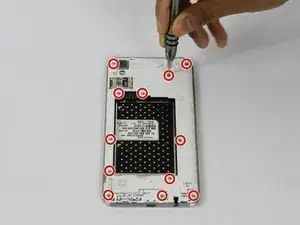
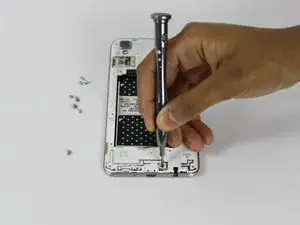
    • Remove the twelve 2mm JIS #00 screws from the mid-frame.

  4. CIpUdGErP6HxQdPO
    CIpUdGErP6HxQdPO
    PVbovfsGGhNMdqyf
    gnVLqIbhT22paSiW
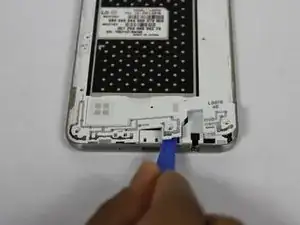
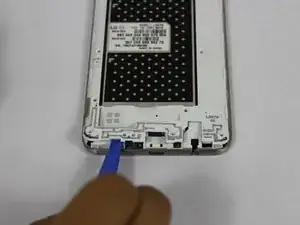
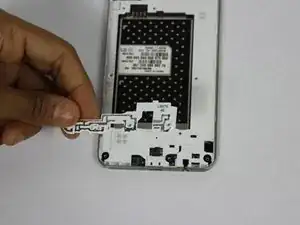
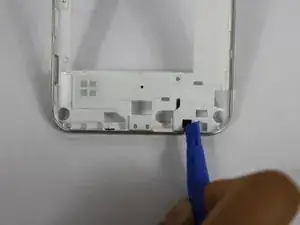
    • Using a plastic opening tool, remove the antenna extender from the mid-frame.

  5. iJqSTPdsXyOPfyK2
    iJqSTPdsXyOPfyK2
    1J6IhU1oGMXVKyiC
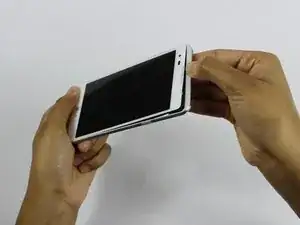
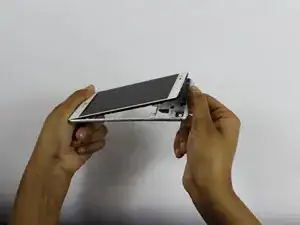
    • Using your fingers, remove the mid-frame.

  6. SXNLa3JWMrbUYglP
    SXNLa3JWMrbUYglP
    ALxG6abFMRHHGjVN
    OIhkStLqfkRHRQgZ
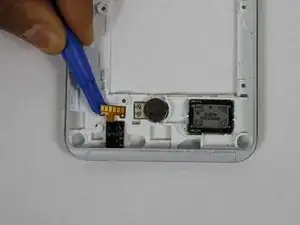
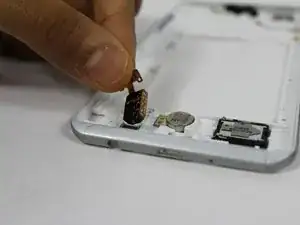
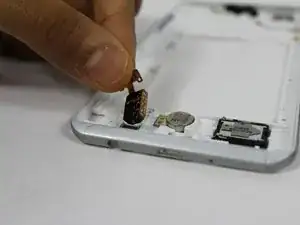
    • Use plastic opening tool to pry up the flex cable from the back panel.

    • Flip over and push on the back side of the headphone jack to dislodge it.

Conclusión

To reassemble your device, follow these instructions in reverse order.

Jerry Koenig

Miembro Desde 14/02/18

679 Reputación

0 comentarios