Introducción
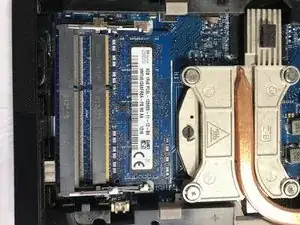
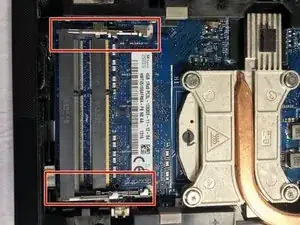
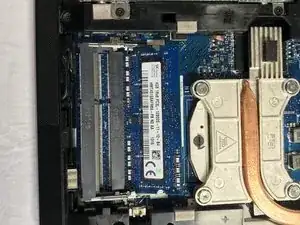
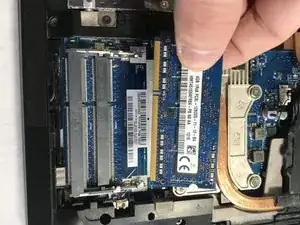
This is a guide made to show how to replace the RAM in a Lenovo Edge Thinkpad E431.
Herramientas

Partes
-
-
Close the device and remove all power cables.
-
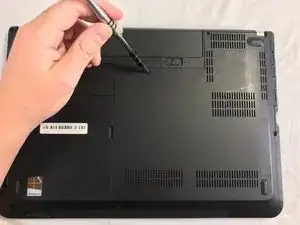
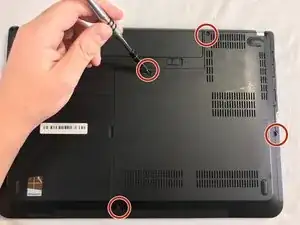
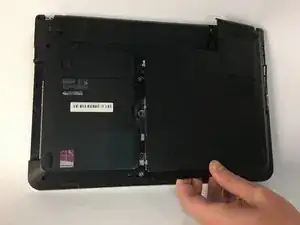
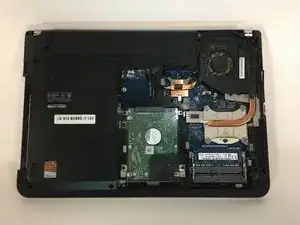
Lay the laptop flat with the bottom facing upwards.
-
Conclusión
To reassemble your device, follow these instructions in reverse order.
