Introducción
Lenovo ThinkPad Edge E530 - How to remove HDD, Memory, Cooling system Cover.
Herramientas


-
-
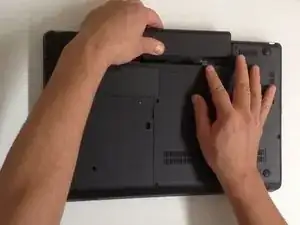
Switch-off the Laptop and remove the battery.
-
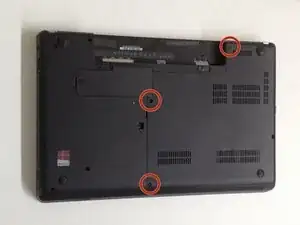
The HDD/Memory Cover is held by 3x Phillips screws. Remove them.
-
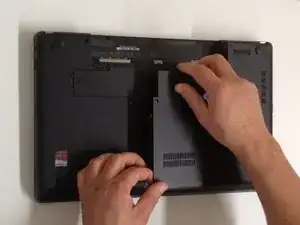
Remove the Cover.
-
Conclusión
To reassemble your device, follow these instructions in reverse order.