Dificultad
Easy
Pasos
4
Tiempo Requerido
1 minuto
JIS #1
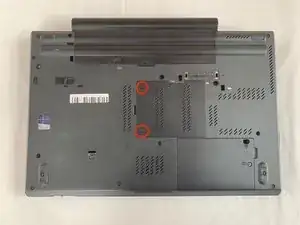
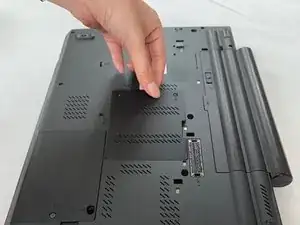
Place the laptop so that the bottom is facing upwards.
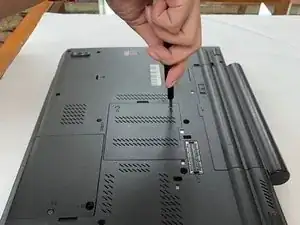
Remove the cover using a JIS #1 screwdriver.
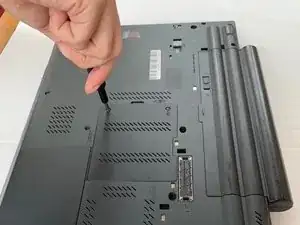
Remove the cover.
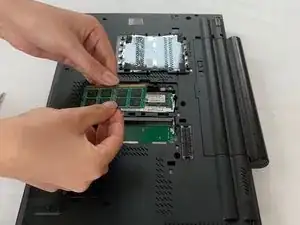
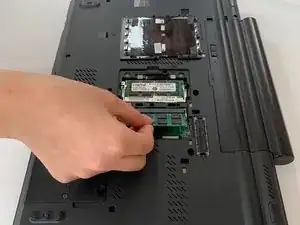
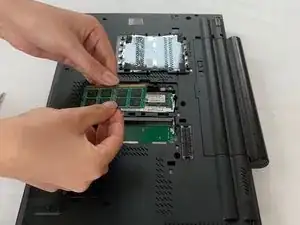
Remove the RAM.
To reassemble your device, follow these instructions in reverse order.
Miembro Desde 18/02/20
109 Reputación