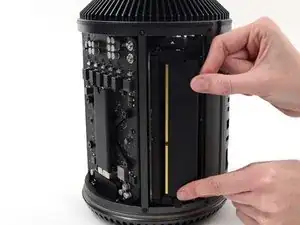
Introducción
Agregar más RAM a tu Mac Pro es fácil y no requiere herramientas. Usa esta guía para mejorar tu Pro.
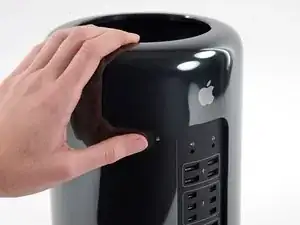
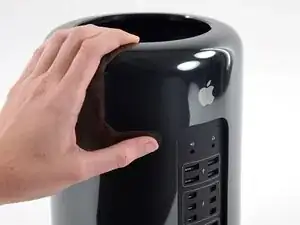



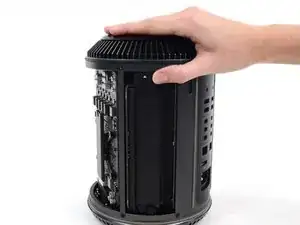
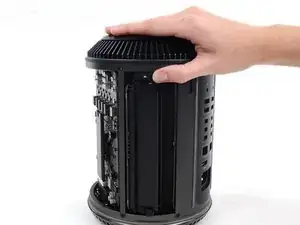
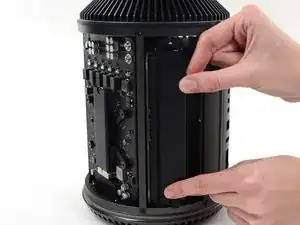
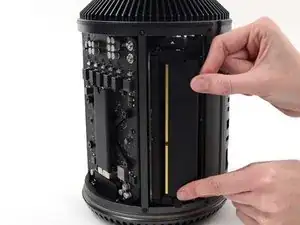
Para volver a ensamblar tu dispositivo, sigue estas instrucciones en orden inverso.

7 comentarios
How much RAM can I add? I saw Apple offering 64G, but also saw OCW offering 128G - is the CPU/MMU able to really handle this?
Using Intel ARK to compare here is what they can support!
For the 4 Core CPU Supports: 256 GB
For the 6 Core CPU Supports: 256 GB
For the 8 Core CPU Supports: 768 GB
For the 12 Core CPU Supports: 768 GB
I would add this to the previous reply : what can you do with 768GB RAM that your 64/128GB mac can't handle ?
If I am only installing two sticks of ram, does anyone have a suggestion for what slots I should install them into? Thanks for yet another great guide! -George
I have the same question and can't find an answer online. Apple doesn't ship them with less than 3 populated.
JRBv3 -
Apple suggests that you insert them in order slots 1 2 3 4 they say (if i remember well) that once you have the mac ports in front of you, the 1st one is the one on the left.
Having a problem with my Mac Pro, got 2 modules of 16 each to upgrade, after removing the outer case y press the RAM TAB on Slots 1 and 2 and it’s kinda jammed, it won’t open, I tried pressing the TAB for slots 3 and 4 and opens perfectly. I tried everything without forcing to much the tab and the slots won't pivot outward. Has anybody this same issue> any suggestions of how to fix this? Thanks in advance