Introducción
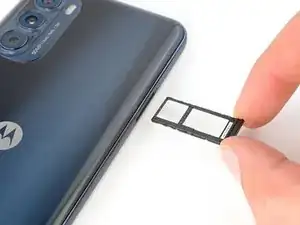
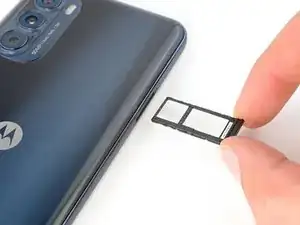
Use this guide to remove and replace the SIM card tray in your 2022 Motorola Moto G Stylus.
Herramientas

-
-
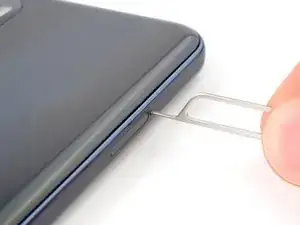
Insert a SIM card eject tool or a straightened paperclip into the hole adjacent to the SIM card tray.
-
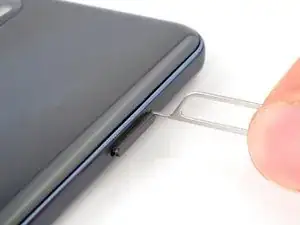
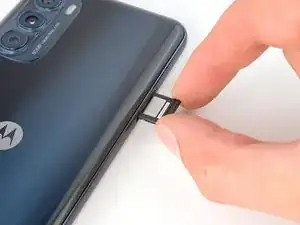
Press firmly to eject the tray.
-
Conclusión
To reassemble your device, follow these instructions in reverse order.