Introducción
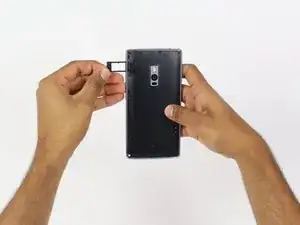
You might need this guide if you just ordered the phone online and need to move your SIM card into the OnePlus 2.
Herramientas

-
-
Make sure that your phone is turned off before proceeding
-
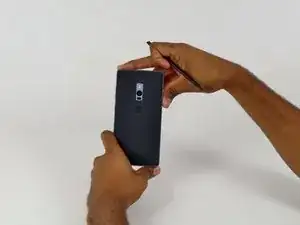
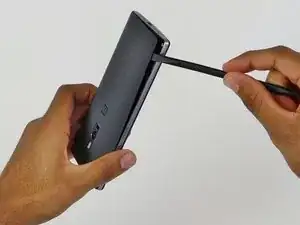
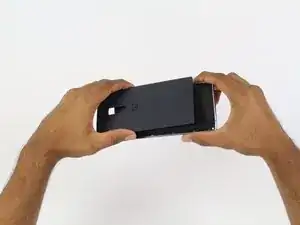
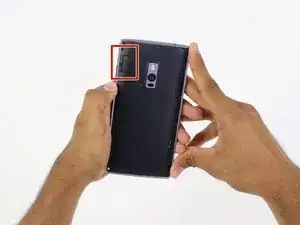
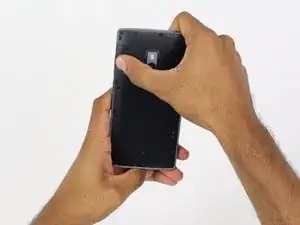
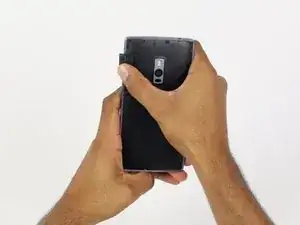
Use an opening pick, your thumbnail, or a spudger to gently pry off the external casing
-
-
-
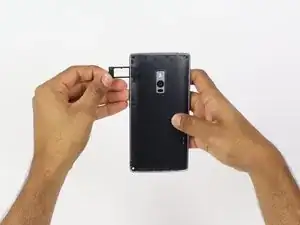
Locate the SIM card tray on the back of the phone
-
Use your thumb to gently slide out the tray
-
Conclusión
To reassemble your device, follow these instructions in reverse order.