Introducción
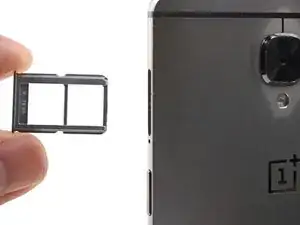
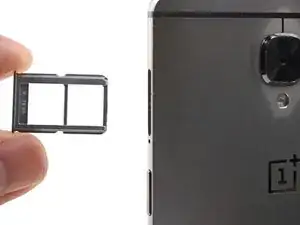
This guide shows how to eject and replace the dual SIM card tray for the OnePlus 3.
Herramientas

-
-
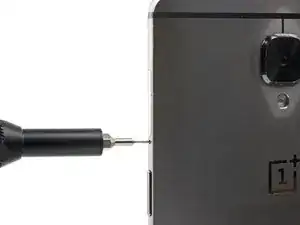
Insert a SIM eject tool, bit, or straightened paperclip into the hole located between the SIM card slot and the power button.
-
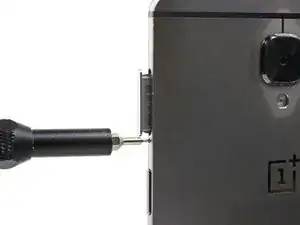
Press firmly to eject the SIM card tray.
-
Conclusión
Repair didn’t go as planned? Check out our OnePlus 3 Answers community for troubleshooting help.