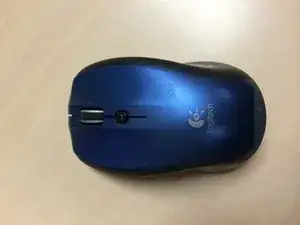
Introducción
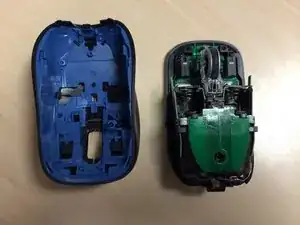
Quitar la capa exterior es muy fácil y todas las partes internas son visibles cuando se quita.
Herramientas

Partes

-
-
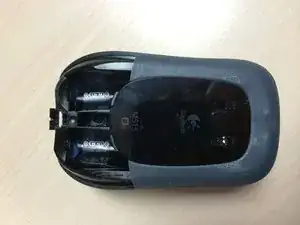
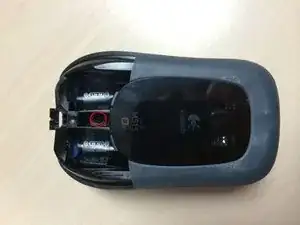
Levanta la parte trasera de la carcasa superior del mouse y deslízala hacia adelante. Debería ser bastante fácil de liberar.
-
Para volver a armar tu dispositivo, sigue estas instrucciones en orden inverso.
4 comentarios
I got to step 3. where is step 4?
hawaii50 -
What are you trying to do? All of the innards are available once step 3 is complete.
Hi, just to say that its a utility named ProxyTool from Logitech that can be used to adjust the behavior of hand detection feature. here you go the file: ftp://ftp.logitech.com/pub/techsupport/m... or https://www.dropbox.com/s/z1rq7s6wzt4ohu...
You can literaly disable the Couch Mouse M515 hand proximity sensor