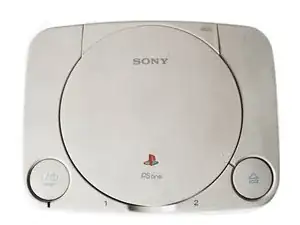
Introducción

  1. 3ALaepS6kT3yXVcJ
    • Retire todos los cables enchufados en la PlayStation.

  2. NBUNo2fFMJABwsoq
    NBUNo2fFMJABwsoq
    bTBcmGLSPyAGAgQ4
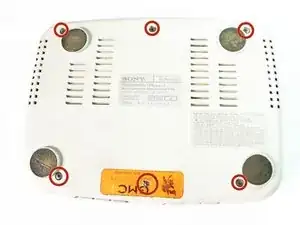
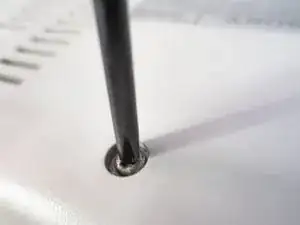
    • Voltear  la PlayStation y quitar los seis tornillos de la parte inferior

  3. FBFZ5VyUerpc1lJy
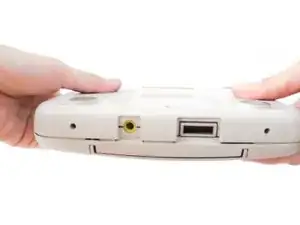
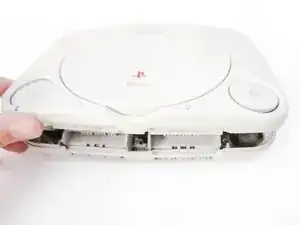
    • Voltear la PlayStation de nuevo.

    • No hay tornillos sujetando todo dentro de la PlayStation así que mejor mantenerlo como una hamburguesa, mientras esta vuelto.

  4. MPwtGZxKNqesNK4F
    MPwtGZxKNqesNK4F
    nYVjtBicU5jelO5j
    • Levante y retire la caja superior.

  5. qTYSFjDertHsfZlL
    qTYSFjDertHsfZlL
    VTr2HBTJXydPrVxS
    3XHOiVLWXwmbmrRk
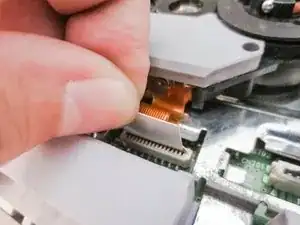
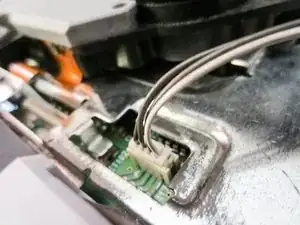
    • Desconecta los cables de la placa base de tu PlayStation One.

    • Ten mucho cuidado cuando desconectes el cable plano de la placa base, ya que existe un gran riesgo de dañar el cable si se hace sin delicadeza.

  6. tvSALBotiUHT3SvJ
    tvSALBotiUHT3SvJ
    MGanNX1x1RVHwVmX
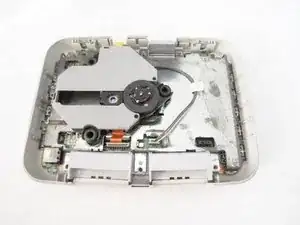
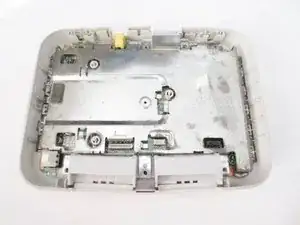
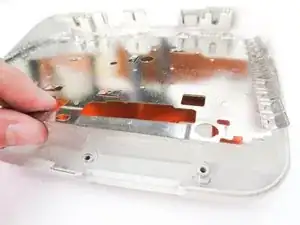
    • Quita la plancha metálica.

    well well a modded ps one hahah

    Bernabe Alvarez -

  7. WBwdGEVkDJQgsy6V
    WBwdGEVkDJQgsy6V
    wg2Mb5HAekUWDjyF
    BBZxJMuWQVMW1eJV
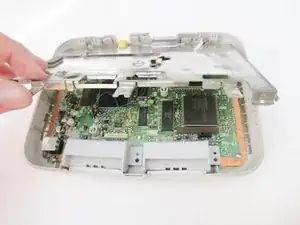
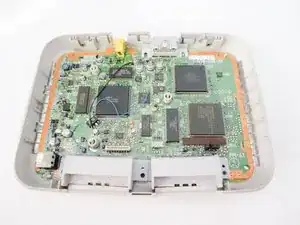
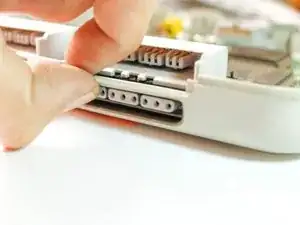
    • Quita la placa base levantándola desde atrás.

    • Si se te hace demasiado complicado quitarla así, utiliza tu uña y levantalá desde el puerto para el mando.

  8. aH33gnRRTLdNPJyT
    aH33gnRRTLdNPJyT
    RXlEDIjdig2ChiLj
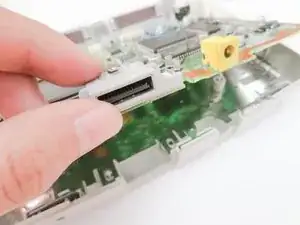
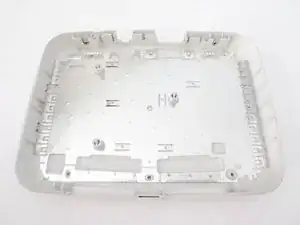
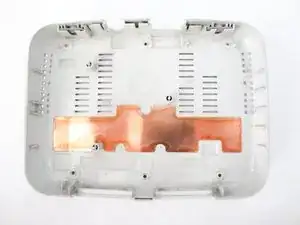
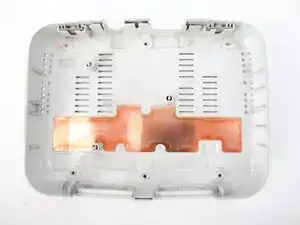
    • Quita la carcasa metálica.

    I'm having a difficult time figuring out what the copper plate is for, I know the metal plate is an RF shield but I have a PSone that looks trashed and I'm wondering if it's ok to remove and junk the copper bit altogether and give it a good clean/restore and put it back together? Even the service manuals don't say. I'm guessing water damage detection?

    Cat Korecki -

Conclusión

Para volver a montar tu PlayStation One sigue estas instrucciones en orden inverso, desde el final hacia arriba.

Marjorie

Miembro Desde 23/12/13

2246 Reputación

0 comentarios