Introducción
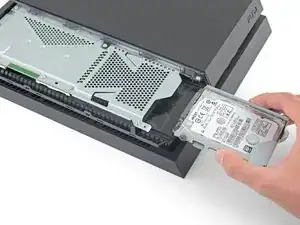
Sigue esta guía para reemplazar el disco duro de tu PS4. Si estas mejorando el disco duro y deseas mantener la información de tus juegos guardados y configuraciones, asegura hacer un respaldo de la información en una unidad de almacenamiento externa antes de comenzar este procedimiento.
Desconecta tu PS4 antes de comenzar cualquier reparación.
Herramientas

Partes
-
-
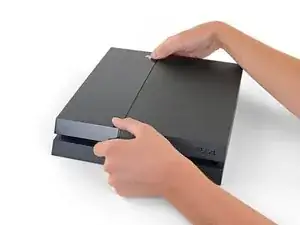
Agarra la PS4 con ambas manos a lo largo del hueco en la cubierta superior.
-
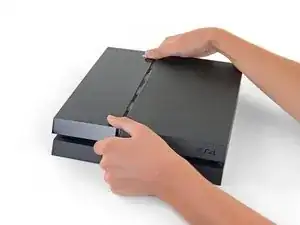
Empuja el lado brillante de la cubierta superior con los pulgares hasta que salte a un lado.
-
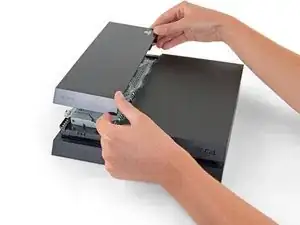
Levanta la cubierta superior brillante hacia arriba y hacia atrás para quitarla del PS4.
-
-
-
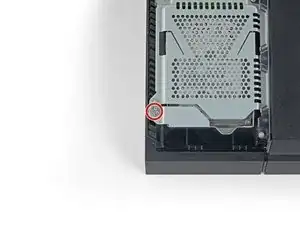
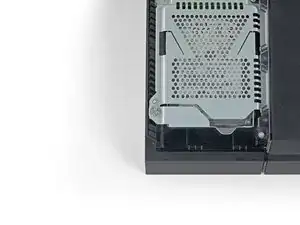
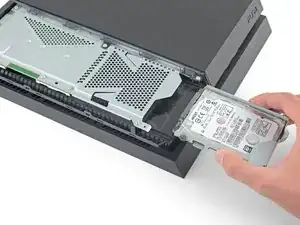
Usa un destornillador Phillips para quitar el tornillo de 6.5 mm que fija el disco duro a la carcasa.
-
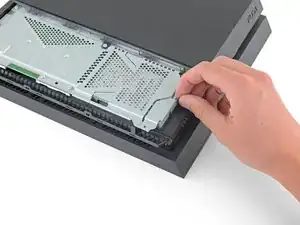
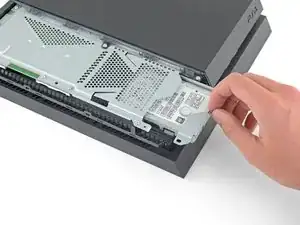
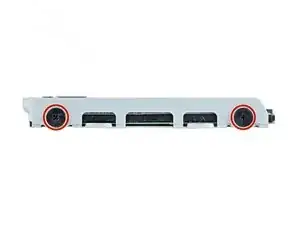
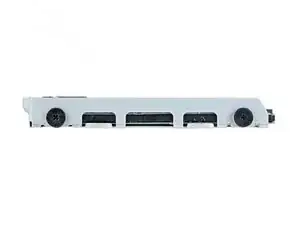
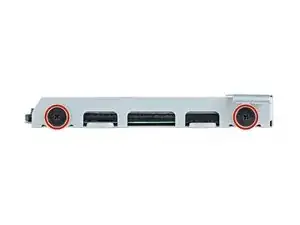
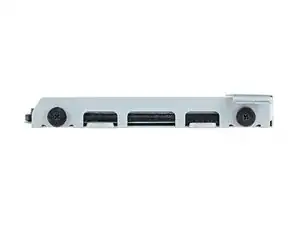
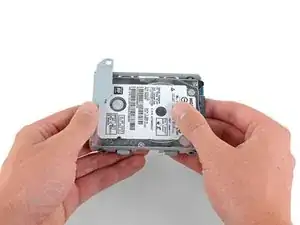
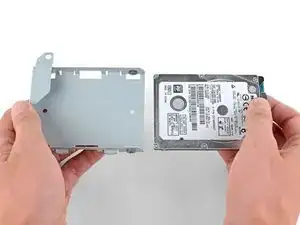
Para volver a montar el dispositivo, siga estas instrucciones en orden inverso.
Necesitarás reinstalar el sistema operativo de la PS4 luego del reemplazo del disco duro. Sigue las instrucciones de Sony para inicializar tu PS4 y reinstalar el software del sistema.
Toma tus desechos electrónicos a un centro de reciclaje certificado new_window=true.
¿La reparación no salió como planeado? Checa nuestra Comuniadad de Respuestas para ayuda en la resolución de problemas básicos.

11 comentarios
This article needs to be vetted. There is a very specific type of hard drive needed for this machine. Also, the machine will need to be backed up to either the PS Network(for PS Plus members) or a removable storage device. Additionally, the latest system update must be available after the new hard drive is installed. Below is an excellent article for this procedure.
can I take out my 500 gig and put in a 1 tb or no ?
Hey Phil,
Yes, you can. I have successfully replaced the original hard drive with a 2TB hard drive I purchased. Just make sure you buy the correct type of hard drive. I recommend using the article Kenneth has linked above in the comment section: http://www.ign.com/wikis/playstation-4/H...
I backed up my saved data on the PS network instead of using an external hard drive and that worked great.
Enjoy the extra storage!
Yes you can upgrade to 1TB or even bigger. Last PS4 firmware update was in august, and it supports storage up to 4TB. You can also use bigger storage but it may result in error.
You can update 2.4-internal HDD or use something like Nyko data bank to use 3.5 inch drives. Also external hard drives is an option, but in order to use them you will need to install the software and games on it.
ps4 hard drives:
I have a CUH-1102A version of this PS4.
Would this teardown work for it?
Cary B -