Introducción
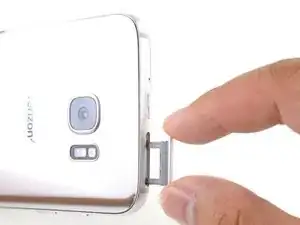
Esta guía muestra cómo remover la bandeja de combo de tarjeta SIM/SD en el Samsung Galaxy S7 Edge.
Herramientas

Partes
-
-
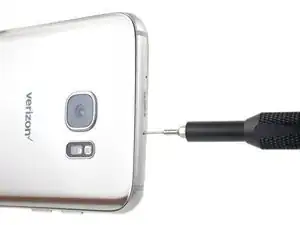
Inserta una herramienta de apertura de tarjeta SIM, una punta de eyección de SIM, o un clip para papel en el pequeño orificio en el borde superior del teléfono.
-
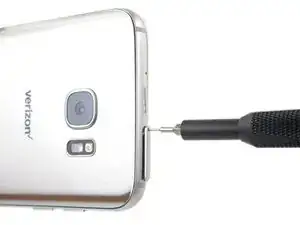
Presiona la herramienta de apertura para expulsar la bandeja.
-
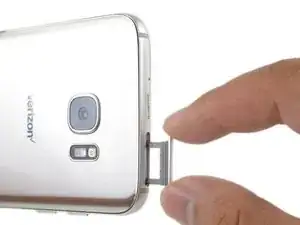
Remueve la bandeja del combo de tarjeta SIM/SD del teléfono.
-
Para volver a ensamblar tu dispositivo, sigue estas instrucciones en orden inverso.

4 comentarios
Why is this a thing lol
Tim -
Many other guides need this step, so we write it once and just insert it as needed!
Wie soll der Einschub entfernt werden? Er sitzt doch fest, man kann ihn nicht einfach komplett herausziehen? Bei mir ist der obere Teil abgebrochen ( Sch**** Plastik) ich muss irgendwie an den unteren ran.
Hi Thomas,
You can try to use a straight paperclip. Bend the tip very slightly and try to hook on the second bar.
Sie können versuchen, eine gerade Büroklammer zu verwenden. Biegen Sie die Spitze leicht und versuchen Sie, die zweite Stange einzuhaken.