Introducción
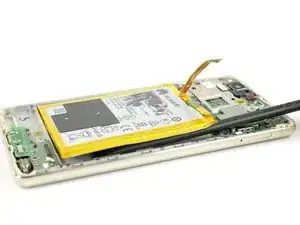
Usa esta guía para reemplazar tu batería vieja en tu Huawei P9 Lite.


-
-
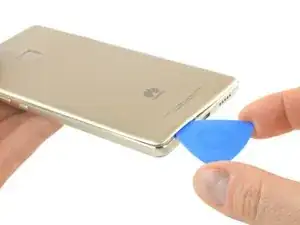
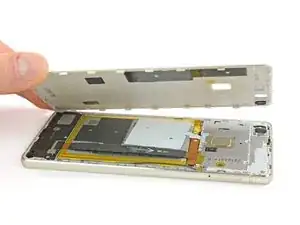
Usa una púa de apertura para desenganchar la tapa trasera comenzando en la esquina inferior.
-
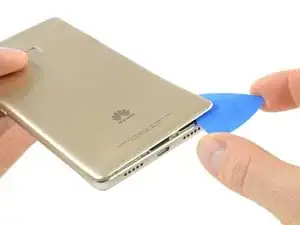
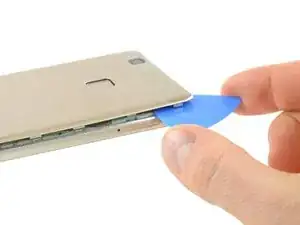
Sigue pasando la púa en dirección contraria a la agujas del reloj y con cuidado haz palanca en las lengüetas plásticas para abrirlas una a la vez.
-
-
-
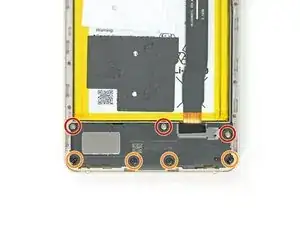
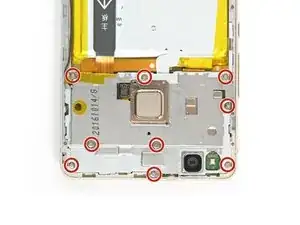
En la parte inferior de tu teléfono remueve los tornillos siguientes:
-
Tres tornillos de 2.9 mm Phillips #00
-
Cuatro tornillos de 3.8 mm Phillips #00
-
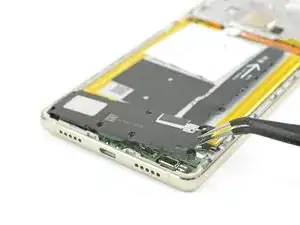
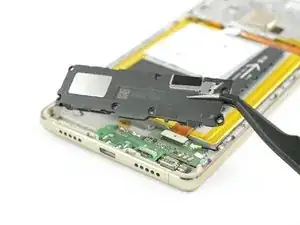
Ahora puedes tomar la unidad del altavoz y sacarla.
-
-
-
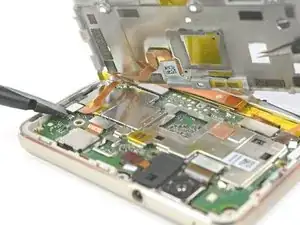
Usa un spudger para desconectar el sensor de huella digital de su placa madre.
-
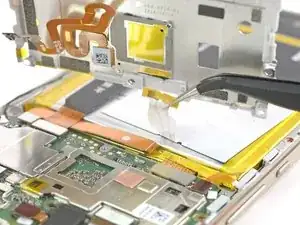
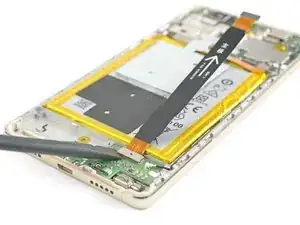
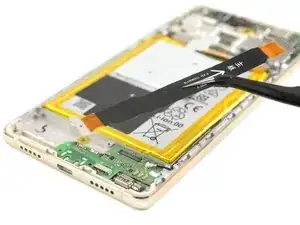
Despega el cable de antena NFC de la placa de metal.
-
-
-
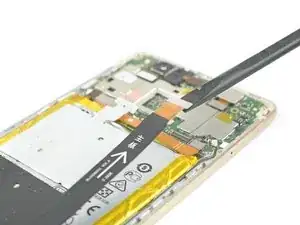
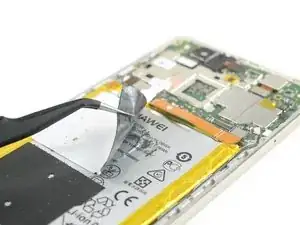
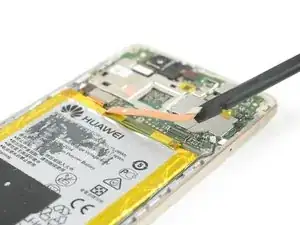
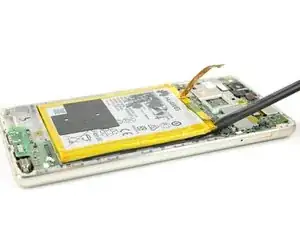
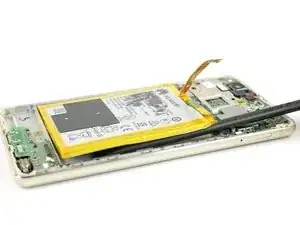
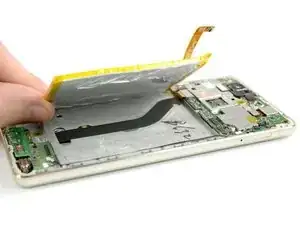
Desliza el spudger por debajo de la batería en el lugar que se muestra en la foto y suéltalo lentamente.
-
Cuando vuelvas a montar el teléfono, reemplaza el adhesivo viejo con cinta adhesiva de doble cara o con tiras adhesivas precortadas.
-
Para volver a ensamblar tu dispositivo, sigue estas instrucciones en orden inverso.

24 comentarios
There is an extra step where you need to remove the cover of the board at the top of the phone in order to remove the NFC antenna which is not described in this guide. Better watch this https://www.youtube.com/watch?v=ADZiL7JK...
Thanks Costas for the hint. We added the missing step.
Very very thanks!
Artur -
Cercando di rimouorere l'adesivo dell'nfc si è rotto, posso assembrale il telefono senza nfc, ovviamente invalidando questa funzione?
Si, hai ragione: si può riassemblare il telefono senza l’antenna NFC perdendo questa funzione…
What could you use instead of an opening pick??
Alfredo -
Like, could a guitar pick wor? Or anything else?
Alfredo -
A guitar pick will also do.
Tobias Isakeit -
what can still be used besides guitar pick
Tarshia Thompson -
I had a hard time to open the back cover by opening pick. Then I used little, really little knife at first, and I continue to opening back cover using opening pick.
Andy B -
Heating up aroud the finger sensor to loosen the square adhesive tape ..
Hishamchohan -
If you do not have any picks, You can also adapt an old credit or utility card by cutting it in to thirds. Then with some fine emery or sand paper, rub a sharp point on the one edge of the card. This will help you get access to the clips that hold the rear cover on. The one i did yesterday had quite a lot of adhesive around the edge & around the finger print sensor. Another tip with an old credit card is to cut it in to narrow strips to insert in to where you have separated the cover from the frame to stop it getting stuck to the adhesive again.
gazza667 -