Introducción
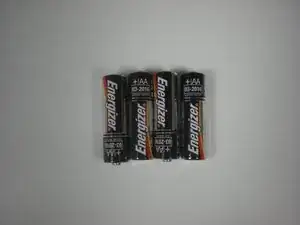
Esta guía ilustrará cómo reemplazar las baterías en un sistema Game Boy.
Partes
-
-
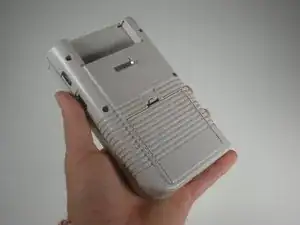
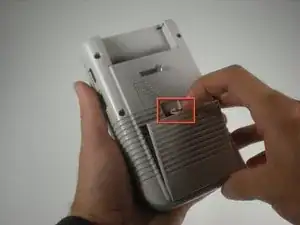
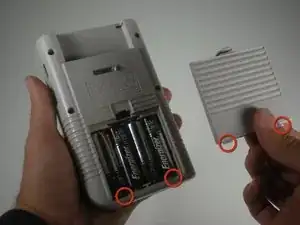
Usa una uña (o una moneda pequeña) para empujar hacia abajo el pestillo de la puerta de la batería y quitar la puerta de la batería.
-
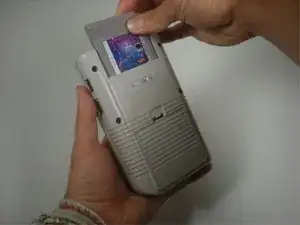
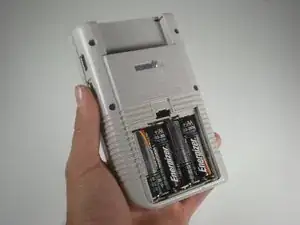
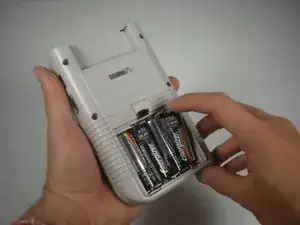
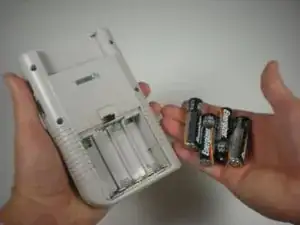
Para volver a armar tu dispositivo, sigue estas instrucciones en orden inverso.

3 comentarios
This was a very helpful guide. I had no idea how to replace the batteries for my GameBoy, but thanks to this amazing and helpful guide, I was able to do so. The only issue that I have with this guide is that it did not explain how to properly dispose the used batteries. I ended up soaking them in gasoline and lighting them on fire because the colors look super pretty. Don’t breath the smoke though! I’m pretty sure the smoke is toxic?
Mentat -
I have struggled with this for 20 years. Thank you.
My problem was that I removed four batteries from my Game Boy Classic but only inserted three new ones. It didn’t work. An expert told me to also insert four new ones, it worked.
Akula -