Introducción
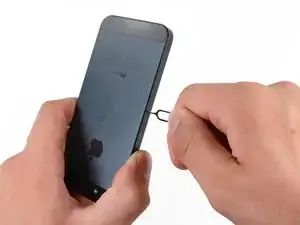
Usa esta guía para quitar o reemplazar la Tarjeta SIM de tu iPhone 5
Herramientas

Partes

-
-
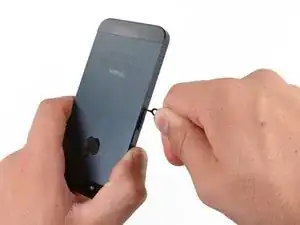
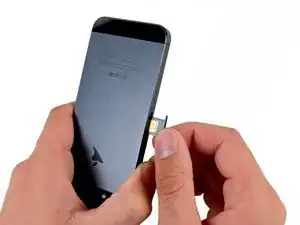
Usa una herramienta de extracción de SIM o un clip para expulsar la Tarjeta SIM de su soporte.
-
Conclusión
Para volver a armar su dispositivo, siga estas instrucciones en orden inverso.

2 comentarios
you dont really need the sim card eject tool for this , if you lost it you can jsut find a pin or just get a paper clip and bend it and insert it - does the same job
zeroTD -
Lost your contacts because of trimming iPhone sim, you can follow this way to restore your contacts.