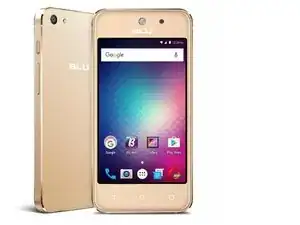
Introducción
Guía de reemplazo de la batería del BLU Vivo 5
Características:


-
-
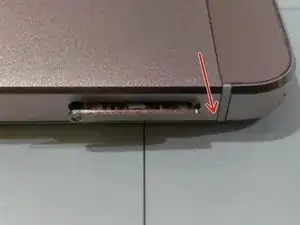
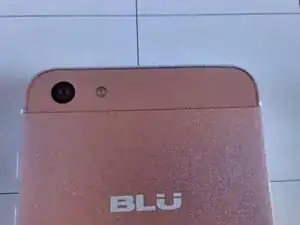
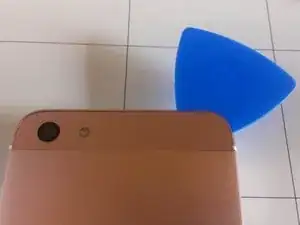
Tire hacia abajo la tapa protectora de la cámara.
-
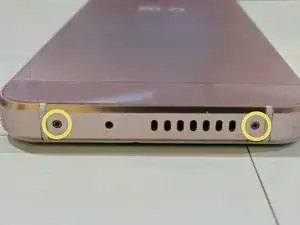
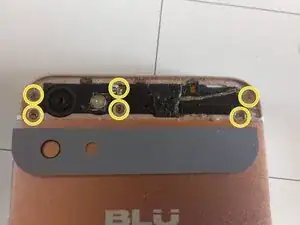
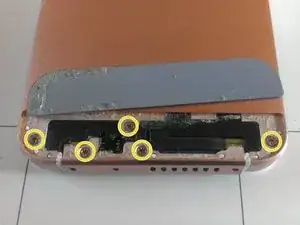
Remueva los tornillos con un destornillador Phillips #00.
-
-
-
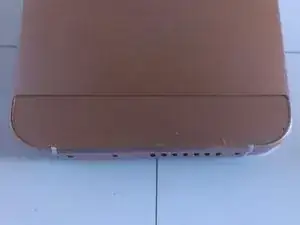
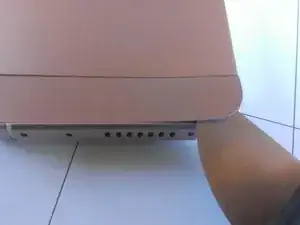
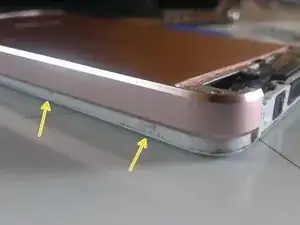
Con un poco de presión y con las uñas plásticas haga un poco de presión en las zonas indicadas para poder retirar la tapa.
-
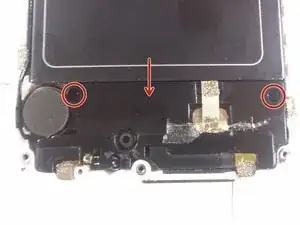
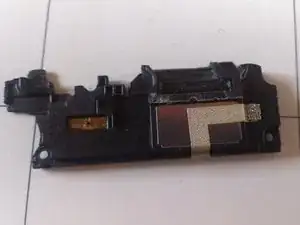
Retire la placa del micrófono y altavoz tirando de ella hacia abajo.
-
-
-
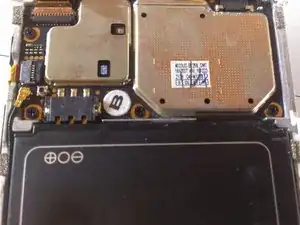
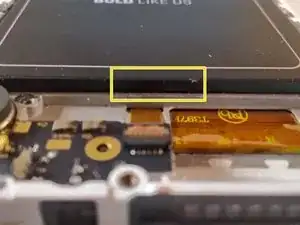
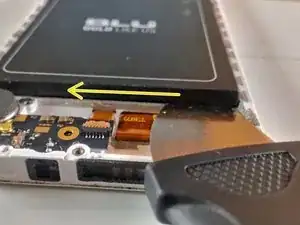
La batería tiene una pequeña muesca para facilitar el retiro; sin embargo la batería está pegada.
-
Para reensamblar tu dispositivo, sigue estas instrucciones en orden inverso.

Un comentario
Umm not sure what BLU Vivo 5 your giving these instructions for, my BLU Vivo 5 has no screws. Looks the same except for bottom speaker area, mine has type c and other wither side 2 slots one for mic one for speaker, no screws.
There are no screws on my BLU Vivo 5. Mine has left and right speaker(mic) slot and USB type c middle, no screws.
V'Ger_iTech -