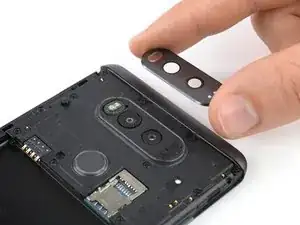
Introducción
Utiliza esta guía para quitar la tapa de la lente trasera de su LG V20.
Herramientas


Partes
-
-
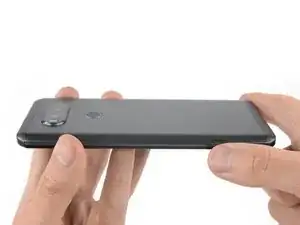
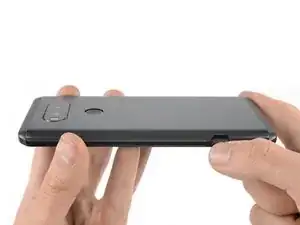
Presiona el botón en la parte inferior derecha del LG V20 para abrir la abrazadera que sostiene la tapa trasera en la parte posterior del teléfono.
-
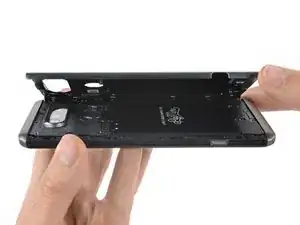
Retira la tapa posterior.
-
-
-
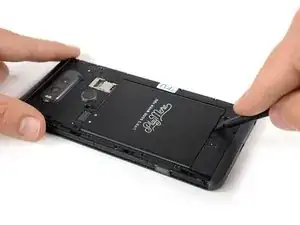
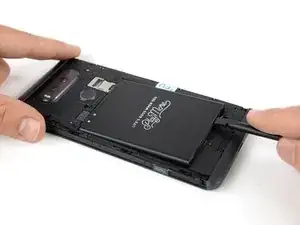
Usa el extremo plano de un spudger e insértalo en el pequeño hueco en el extremo inferior de la batería.
-
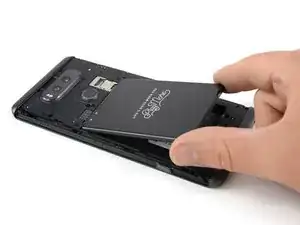
Utiliza el spudger para sacar la batería y extraerla.
-
-
-
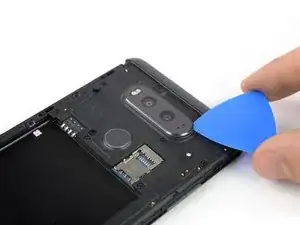
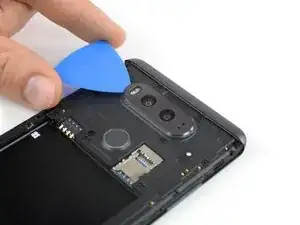
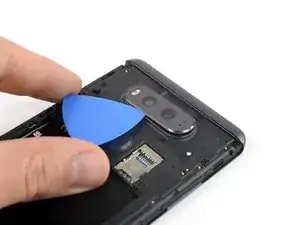
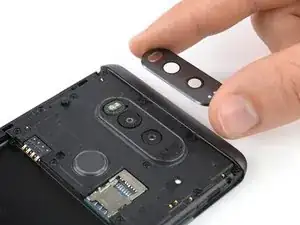
Usa la punta de un pico de apertura para levantar suavemente la cubierta de la lente trasera.
-
Usa la punta de la selección de apertura y deslice alrededor de toda la cubierta de la lente trasera para cortar el adhesivo debajo.
-
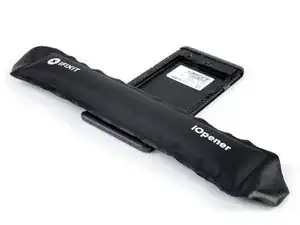
Para volver a ensamblar tu dispositivo, sigue estas instrucciones en orden inverso. Aplica adhesivo nuevo donde sea necesario.

3 comentarios
Need to be careful not to pull the flash bits as well.
My rear camera lens cover stack fell off. The flash array, the two cameras and the sensors on the right are in place. The rubber 'rings' around the flash and sensors are gone and everything above them is gone.
How do I get all of the pieces?
Is it called a “lens cover stack" or something like that?
It's hard to tell from the pictures but the lens cover is actually 2 pieces. There is a metal piece that the actual glass fits into but you can only see the outside edge of it. So if you accidentally break the glass camera cover like I did and order a replacement piece, they are probably only going to send you the glass. You'll have to use something sharp to scrape the broken glass and adhesive off of the metal piece and then use new adhesive to stick the glass to the metal piece. Then you can insert the little LED cover and stick this assembly to the the back of the phone.