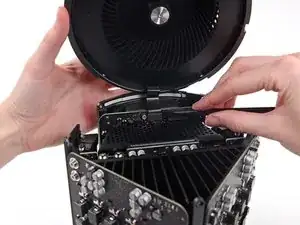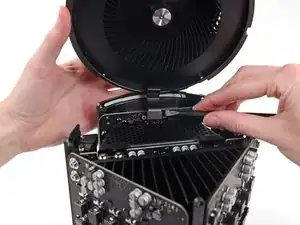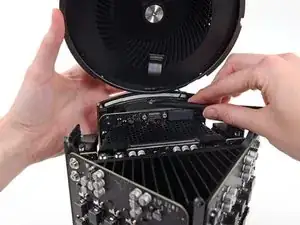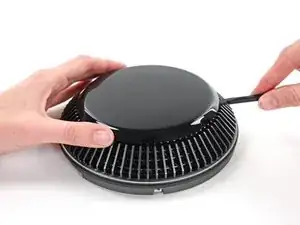
Introducción

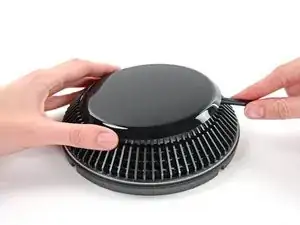
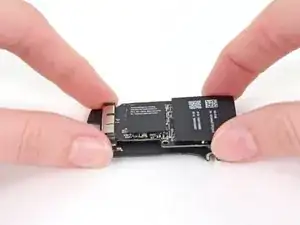
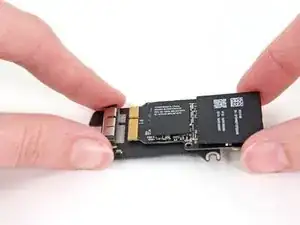
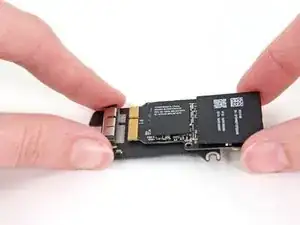
Utiliza esta guía para reemplazar la tarjeta AirPort en su Mac Pro a finales de 2013.

  1. UvUDEeuAGOcSyZ6Y
    UvUDEeuAGOcSyZ6Y
    6E4dVROBn2KCRitH
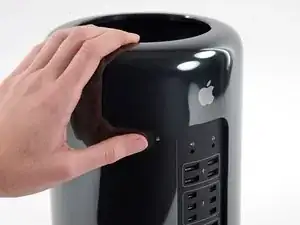
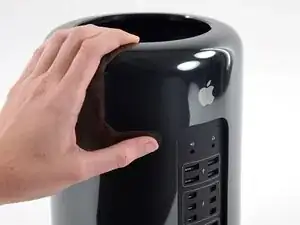
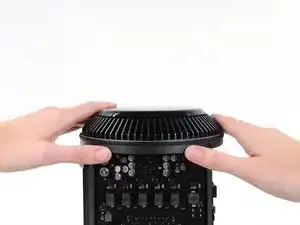
    • Desliza el interruptor de bloqueo hacia la derecha, hasta la posición de desbloqueo.

  2. 1T6FWnrfHWRH2PIX
    1T6FWnrfHWRH2PIX
    LZUjZMT1W2HyocfY
    qEZURvNGfsFRhn15
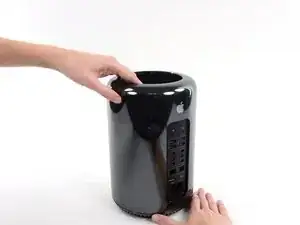
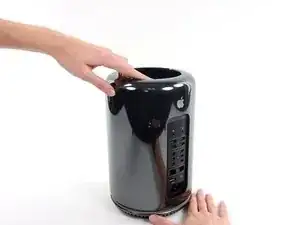
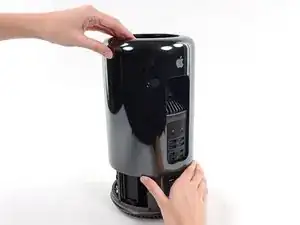
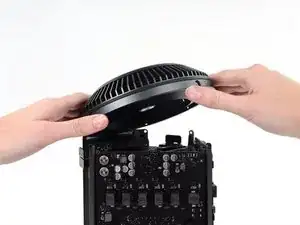
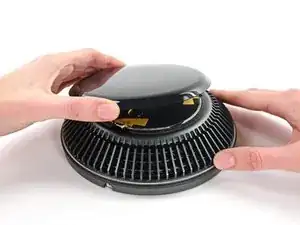
    • Levanta la caja exterior directamente hacia arriba del Mac Pro.

    • Puede ayudar empujar hacia abajo el centro del ventilador mientras levanta la caja.

  3. thx2PRFESOcKGAcF
    thx2PRFESOcKGAcF
    fowEwJDQUHt5gRvN
    YkicYtjklAO35ERL
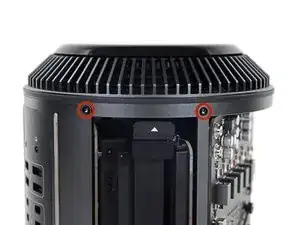
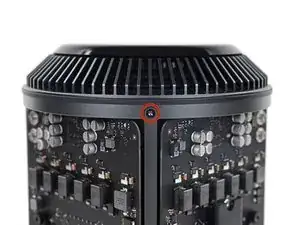
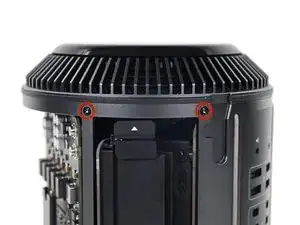
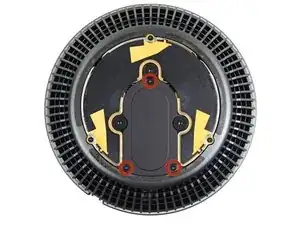
    • Quita los cinco tornillos Torx T10 de 5.1 mm de todo el perímetro exterior del ensamblaje del ventilador.

    You don't have to remove the fan assy to get to the wifi board & card. It can be done with the fan assy still attached.

    Fat Mango -

    Fat Mango is correct. That said. If you do pull the fan assembly note that the screws are all held in with blue Permatex and breaking them free takes a fair amount of effort. Getting a good set of Torx screwdrivers is a must.

    Jim WIlson -

    Hey guys, what would happen if you only replace one card.. I have a D300 but the plan is to upgrade to D500 or D600. So If I can afford and install one instead of the pair would it increase something? or will it cause any conflict? I guess I don’t understand if I the Mac Pro has 2 D300 graphic cards that means each has 1GB? Same as If I would Install 1 D600 that would increase 3GB only? Thanks.

    marcotamayo -

    D300 = 2GB each card. Very few apps uses two cards at the same time.

    Gio Cas -

    The (5) Screws are Apple part number 923-0713

    Steven Gier -

  4. fEANTTnYS4TS3pQD
    fEANTTnYS4TS3pQD
    V2ArmlpPcrPPbGTB
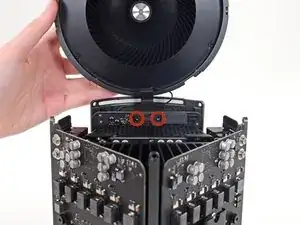
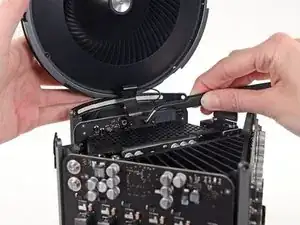
    • El ensamblaje del ventilador está conectado al resto de la computadora mediante dos cables en el lado de la placa de E/S.

    • Incline el ensamblaje hacia arriba alejándolo de la placa de E/S.

    • No intentes extraer el ensamblaje del ventilador todavía, ya que aún está conectado por dos cables.

  5. lceQ6InRYFH5qg2f
    • Mientras sostienes el ensamblaje del ventilador con una mano, afloja los dos tornillos cautivos T8 en el soporte del cable del ventilador.

    • Estos tornillos están atrapados en la Mac Pro. No intentes quitar estos tornillos de tu Mac Pro.

    On my Mac Pro (assembled mid-2017) these are T8 screws. In fact, there were no T7 screws anywhere in my machine.

    mark33 -

    There was no bracket on top of the cable at all, so I got a bit confused, so I had to skip step 5 and 6.

    Rakesh -

    On my machine, a TR7 worked to remove them due to the weird angle.

    Wilson Gaberino -

  6. Y6MKDVBUdIumVZuf
    • Usa un par de pinzas para tirar del soporte del cable del ventilador y alejarlo del ensamblaje del ventilador.

  7. JUE2RPF2GwjcP2kr
    JUE2RPF2GwjcP2kr
    oW6DugeJyYrgKGD4
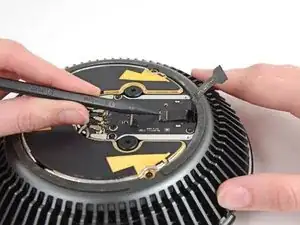
    • Utiliza el extremo plano de un spudger para desconectar el cable plano del ensamblaje del ventilador de la placa de E/S.

  8. wMMmqDsn3NjCMRWu
    • Desconecte el cable de la antena del ensamblaje del ventilador de la placa E/S.

    • Retira el ensamblaje del ventilador del Mac Pro.

    You don't have to remove the fan assy to do the steps below. They can be done with the fan assy still attached.

    Fat Mango -

  9. apNLOQVTbSwRJEmE
    apNLOQVTbSwRJEmE
    rayTDFNEYXXyajCi
    lJfnXsGRmB1PhKgl
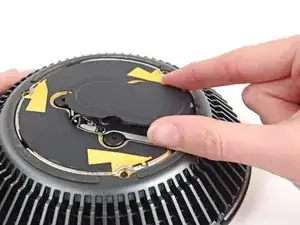
    • Usa el extremo plano de un spudger para levantar la tapa del ensamblaje del ventilador.

    • Remueve la tapa del ensamblaje del ventilador.

    There is a thin circle of double sided adhesive that must be loosened in order to remove the plastic cover.

    somethingorother -

  10. PGPYZIOrE1pyOwKd
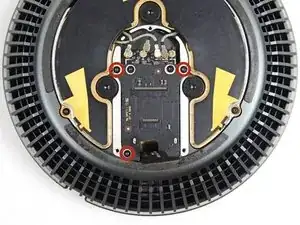
    • Retira los tres tornillos T4 de 3.7 mm que sujetan la cubierta de metal al compartimiento de la placa AirPort.

    I had better luck using a T5 driver.

    somethingorother -

    Same here. Mine were T5, not T4.

    Carsten Clark -

    t4 was good for me

    Arden De Cuir -

  11. Y5vOw5AaByHX1PUG
    • Levanta y retire la cubierta metálica del compartimiento de la placa AirPort.

  12. HioOaQOGRla4SCVb
    HioOaQOGRla4SCVb
    C646tHfOke2DRgKx
    HjDt4JNgKyaleTSj
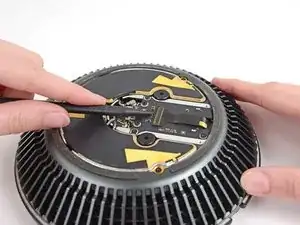
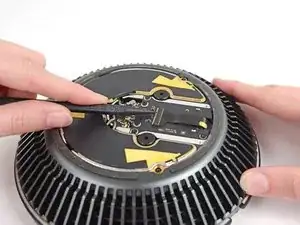
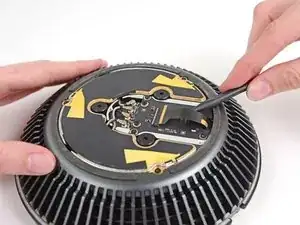
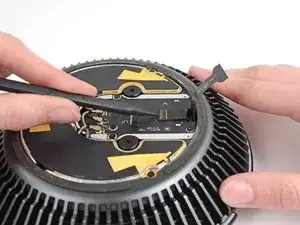
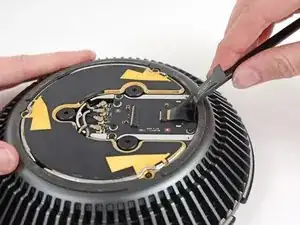
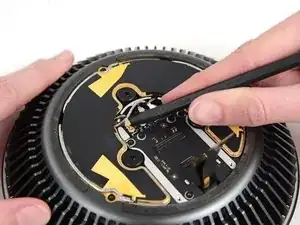
    • Usa la punta de un spudger para voltear la pestaña de retención ZIF en el conector del cable plano del ensamblaje del ventilador.

    • Retira el cable plano del ensamblaje del ventilador de su zócalo ZIF.

  13. CCqnEFchgYXuKXAu
    CCqnEFchgYXuKXAu
    rhe2NNlNTCGFyVW1
    mfwaOUY31M1hKxJV
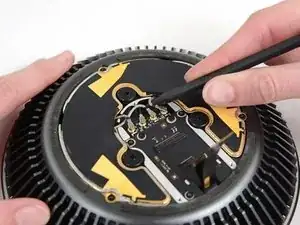
    • Usa la punta de un spudger para voltear la lengüeta de retención ZIF en el cable plano del ventilador.

    • Desconecta el cable plano del ventilador.

  14. vHITb6BGFvLXhkYn
    vHITb6BGFvLXhkYn
    1HHFUdalcNdpkiWD
    wwHPcrHbJWPeIocJ
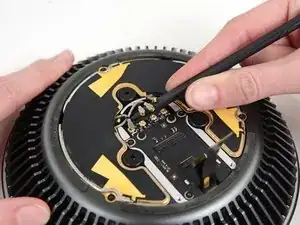
    • Usa la punta de un spudger para desconectar los cuatro cables de antena AirPort de la tarjeta AirPort.

  15. ui6BvEGNwRPFBbXv
    • Quita los tres tornillos T4 de 3.7 mm que sujetan la placa AirPort al ensamblaje del ventilador.

    These screws were also T5, not T4, for me.

    Carsten Clark -

  16. 4vyNdEBZ3QZVxMHw
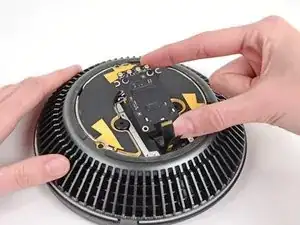
    • Retira la placa AirPort y la tarjeta del ensamblaje del ventilador.

  17. xbSVnS4TL1pCunTW
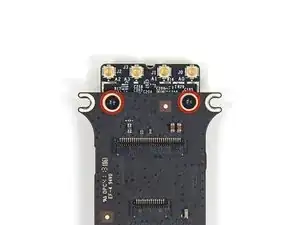
    • Retira los dos tornillos Torx T4 de 3.7 mm que sujetan la tarjeta AirPort a la placa AirPort.

    And, finally, so were these!

    Carsten Clark -

  18. KiXBT1dZmMUm2WQK
    KiXBT1dZmMUm2WQK
    SJt3SiB1aoZK2Axe
    • Desliza la tarjeta AirPort fuera de su zócalo en la placa AirPort.

    I suspect the newer Airport card (802.11ac) Apple P/N 653-0014 will work here.

    Dan -

Conclusión

Para volver a ensamblar tu dispositivo, sigue estas instrucciones en orden inverso.

Andrew Optimus Goldheart

Miembro Desde 17/10/09

494144 Reputación

4 comentarios

Is there a way to replace the Mac Pro Airport card with a more recent one, like when you insert a recent one in an old macbook pro to get new features such as "unlock my mac with my apple watch" ? This is an interesting question that remains unanswered (until now ?)

Vincent Monteil -

You show how to replace it but I can’t buy it from ifixit….why?

Sanong -

Why not start at step 9 and leave the lid attached?

dillonrw -

I wondered the exact same thing. I can see zero reason to remove the fan assembly from the top of the machine just to replace the wifi card. The only reason I can see for doing it would be if you drop a screw it’s at least easy to get to, because everything is separate from the core unit.

David Orriss Jr -