Introducción
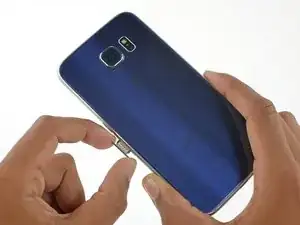
Use esta guía para reemplazar la tarjeta SIM en su Galaxy S6.
Herramientas

Partes
-
-
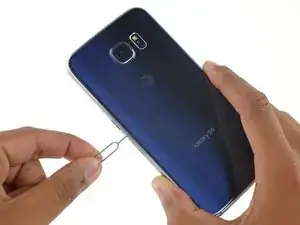
Inserta un clip o herramienta de expulsión de SIM en el orificio de la ranura de la tarjeta SIM en el lado del botón de encendido del teléfono.
-
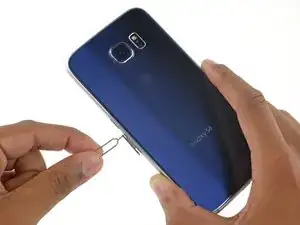
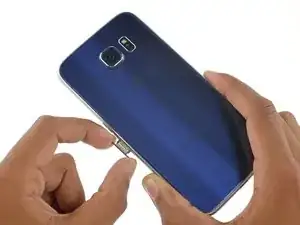
Presione para expulsar la bandeja de la tarjeta SIM.
-
Conclusión
Para volver a armar su dispositivo, siga estas instrucciones en orden inverso.

4 comentarios
What if the tray broke, can I order one
The Samsung galaxy s6 does not come with tray for the sim card. It has an internal memory chip. How do you get to the internal memory chip?
I made a mistake, got the sim card mixed up with the memory chip.
It really needs to be stated at the outset that if doing this repair to replace the daughterboard, there is a high likelihood that the display will be destroyed (even if you don’t break the display, the foil backing on it will likely be destroyed rendering it unusable). The PDF version of this guide states this at the beginning, but this online version does not.
David White -
Done. Thanks for the tip!
Minor editor -