Introducción
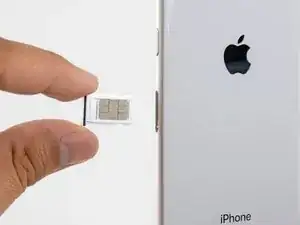
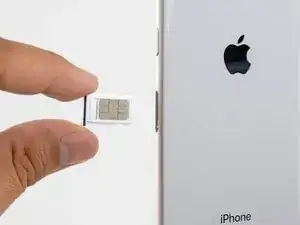
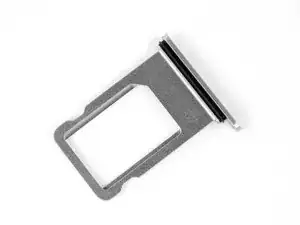
Esta guía te muestra cómo a remover la bandeja de tarjeta SIM para reemplazar la tarjeta SIM de red para el iPhone 8.
Herramientas

Partes
-
-
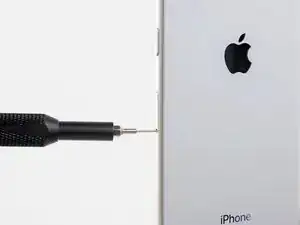
Introduce una herramienta de eyección de tarjeta SIM o un clip para papel en el pequeño orificio de la bandeja de la tarjeta SIM.
-
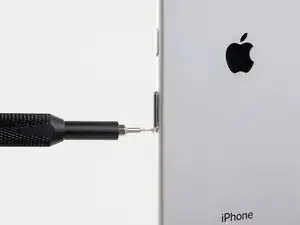
Presiona firmemente para expulsar la tarjeta.
-
Conclusión
Para volver a ensamblar tu dispositivo, sigue estas instrucciones en orden inverso.

Prolly goes without saying, but should you power off phone before this step?
jklue -
If you are merely swapping the SIM card, you don’t need to power off your iPhone. If you plan to do any repairs that involve opening the phone, you should definitely power off your iPhone.
Arthur Shi -