Introducción
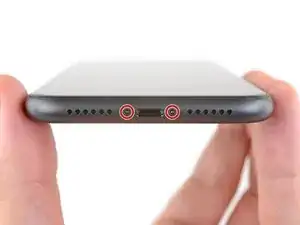
Usa esta guía para remover o reemplazar los dos tornillos que sujetan el panel de pantalla iPhone 11. Estos son los tornillos en la parte exterior del iPhone. Tienen un diseño de cinco puntos que es único de Apple, y requieren un destornillador pentalobe P2 para poder extraerlos.
Herramientas

-
-
Apaga tu teléfono antes de comenzar el desmontaje.
-
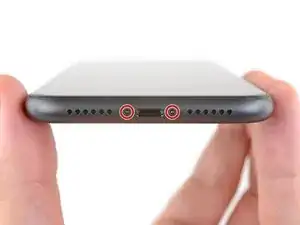
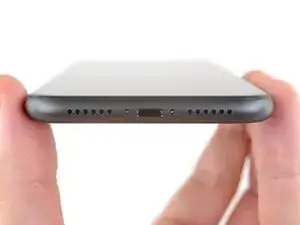
Remueve los dos tornillos pentalobe de 6.7 mm en el borde inferior del iPhone.
-
Conclusión
Para volver a ensamblar tu dispositivo, sigue estas instrucciones en orden inverso

Un comentario
I was putting in a SIM card on my new iPhone 11 and it bounced and I will not find it. Can you send me one or two and a tool to use bc it is so small?
Dah -
the right screws wouldn’t come off
Yusef San Inocencio -
Hello guys, I still haven't found away to power off the iphone without using the screen. Cheers!
danielaguirre93 -
You can try this.
Quickly Press and release the volume up button.
then Quickly Press and release the volume down button.
then press and hold the power button and wait until it turns off.
worked for me :D
Benóný Egilson -