Introducción
Sigue esta guía para reemplazar el S-Pen para un Samsung Galaxy Note9.
-
-
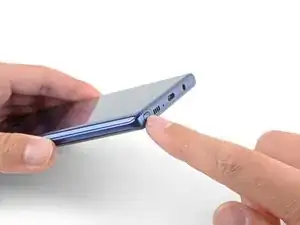
Presiona la parte inferior del S-Pen hasta que haga clic.
-
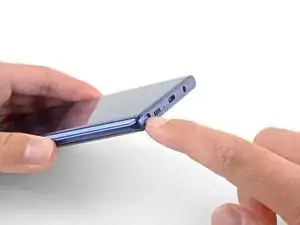
Suelta el S-Pen y se autoexpulsará.
-
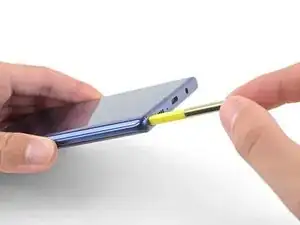
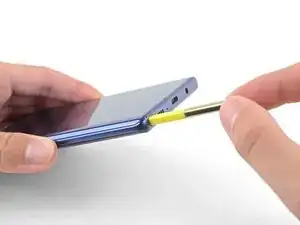
Retira el S-Pen.
-
Para volver a montar el dispositivo, siga los pasos anteriores en orden inverso.
Lleva tus desechos electrónicoscentro de reciclaje certificado.
¿La reparación no salió como estaba previsto? Consulta nuestra comunidad de respuestas para obtener ayuda en la resolución de problemas.

6 comentarios
My Note 9’s Stylus is stuck and I am unable to get it unstuck?!
Try gently tapping it on a soft but solid surface, like a wooden desk or window sill, to see if you can dislodge the S-Pen. Don’t tap it on anything hard like a glass table or a tile countertop.
Thank you!! Without this guide I wouldn’t have known how to take my S-Pen out and put it back in
Jake R -
It took me years to discover this – I had to share my knowledge with the world.
Are you freaking serious?