Introducción
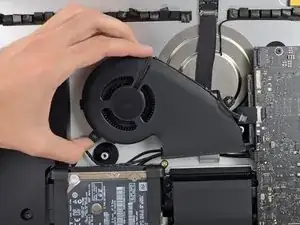
Guía de prerequisito para remover el ventilador luego de los soportes del disco duro.
Herramientas

-
-
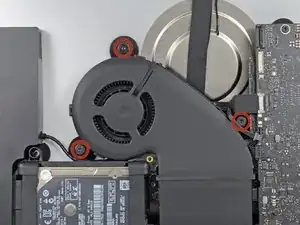
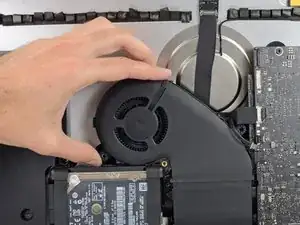
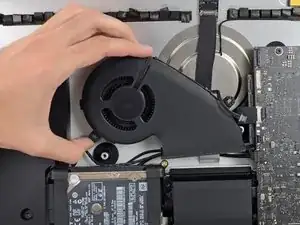
Remueve los tres tornillos con arandela T10 que aseguran el ventilador a la carcasa posterior.
-
Conclusión
Para reensamblar tu dispositivo, sigue estas instrucciones en orden inverso.

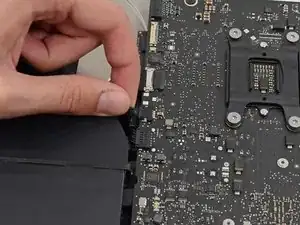
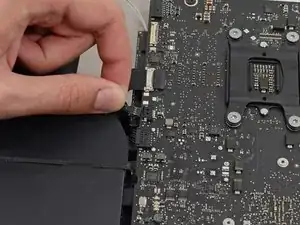
I don’t like to pull on wires as shown in the photos above. I used my index fingernail on the top corner of the connector and the pointed end of a spudger on the bottom corner to pull the connector straight out of its socket.
Fred Heineman -