Introducción
Actualiza tu disco duro original y consigue más espacio de almacenamiento.
Partes
-
-
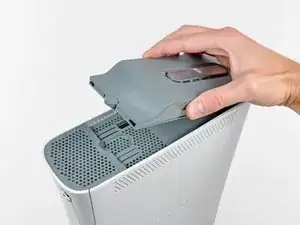
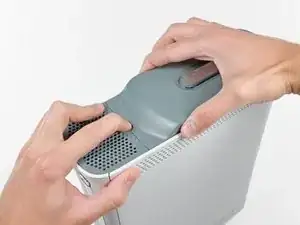
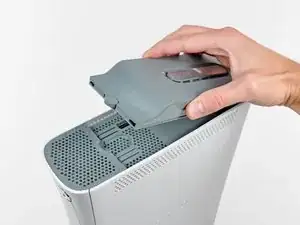
Agarra el conjunto del disco duro y presiona el botón de liberación mientras levantas su borde delantero.
-
Quita el conjunto del disco duro de la ventilación superior.
-
Conclusión
Para volver a ensamblar tu dispositivo, sigue estas instrucciones en orden inverso.

Un comentario
that was very difficult
WARNING: Just replacing the drive will not make it work correctly. Microsoft has married the drives to the motherboard. Hence, in order to get full operation out of the drive you'll have to perform more steps not listed here. Search in the FAQ on this specific topic for more details. Otherwise, before buying a new drive, try cleaning the inside of the old one and/or replace the belt involved in opening and closing the drive door.
- Good Luck
Eric -
Thanks..helped!
joseph zulu -
bress the button and lift with the same hand! i thought mine was stuck because of this pic!!!
Maths with Luigi -