Introducción
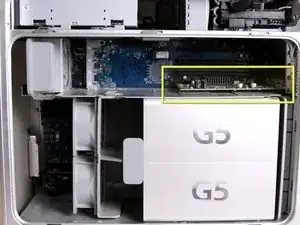
Estos siguientes pasos te guiarán para instalar correctamente la tarjeta gráfica en tu ordenador
Herramientas

-
-
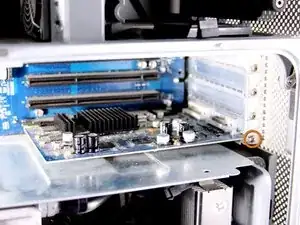
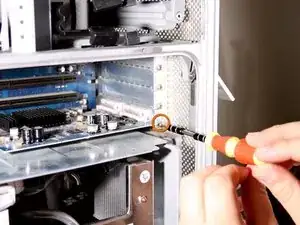
Utilizando un desatornillador de Phillips #1, desatornilla el tornillo al lado de la tarjeta gráfica
-
-
-
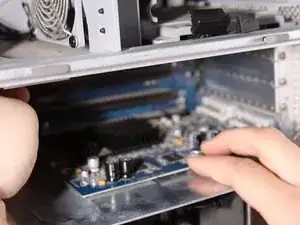
Lo último que se debe hacer es mover suavemente la tarjeta para sacarla de la ranura tirando de ella hacia afuera. (Si la tarjeta no sale con facilidad, no la fuerces. Debes soltar un pestillo en la placa lógica detrás del conector AGP mientras extraes la tarjeta gráfica).
-
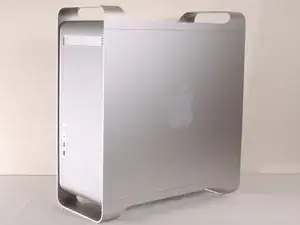
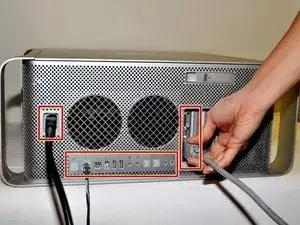
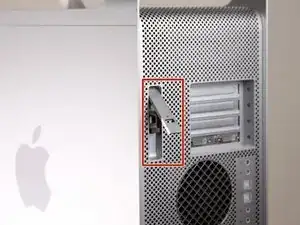
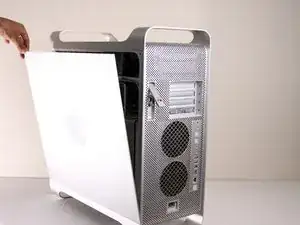
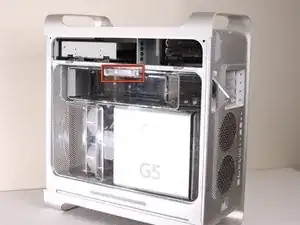
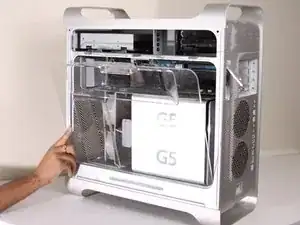
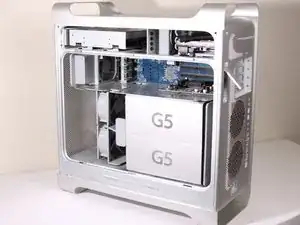
Para volver a montar tu dispositivo sigue esta guía al revés

4 comentarios
hello, i’m wondering what’s the maxi ram of graphic card can be accepted by g5? we know it can do 128m 256m in standard, but what if we install a 512m or even 1go ram graphic card, it there anyone who has tried please? thank you!
Hi Salvador,
Many thanks for the guide. I already knew all the steps until the ‘secret’ release mechanism, which is why I came to this page.
So, it would be really handy for future viewers if you included a picture of the position and design of the release latch. It would have saved me from fumbling around for 15 minutes pressing an unrelated button, which is situated just behind the release latch.
I agree. The most important step for this to be helpful, the release mechanism, is not shown at all.
I agree too, maybe we could add a picture?