Introducción
This guide will walk you through removing and replacing the Nintendo DS battery.
Herramientas


Partes
-
-
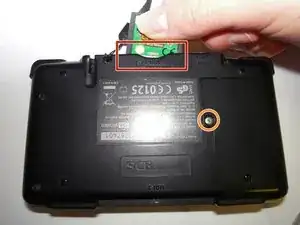
Remove the cartridge from the console.
-
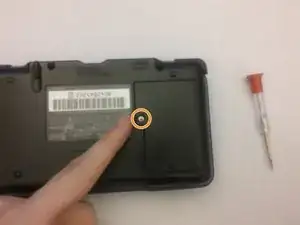
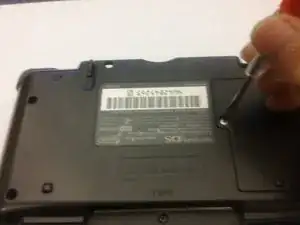
Use a Phillips #00 Screwdriver to remove the screw securing the battery door to the rear case.
-
Remove the battery door.
-
-
-
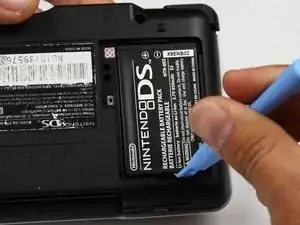
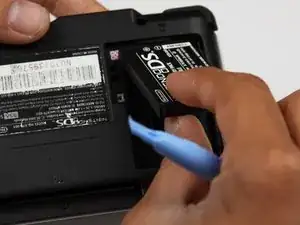
Use a plastic opening tool or spudger to pry out the battery from the bottom. If a plastic opening tool or spudger isn't available, your fingernails may work.
-
Conclusión
Make sure to press the power button on the Nintendo DS when finished to confirm the battery is working.