Introducción
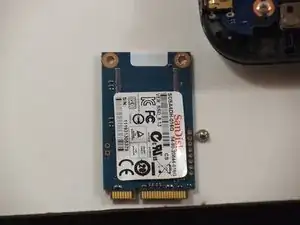
The 16 SanDisk is a limited internal memory capability for the Chromebook.
Herramientas


-
-
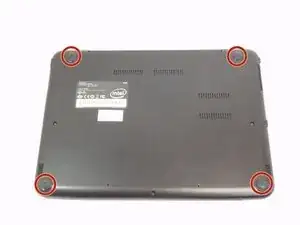
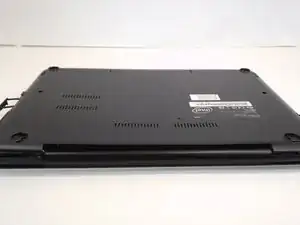
Place the laptop on a flat surface with the bottom side facing up.
-
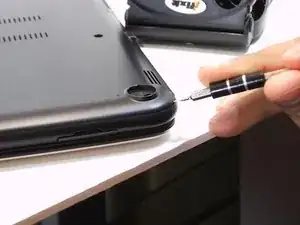
Remove the rubber feet from the bottom of the panel using your fingernails.
-
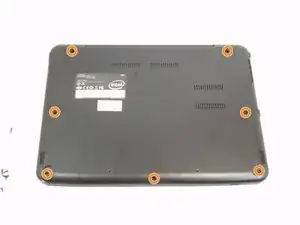
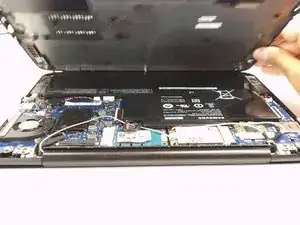
Remove all the seven screws from the bottom panel.
-
-
-
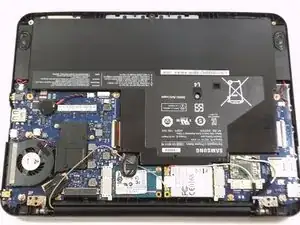
Remove the single screw.
-
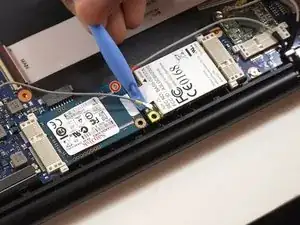
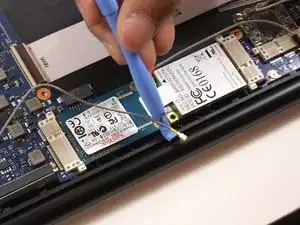
use the plastic tool to disconnect the WWAN antennas from the board.
-
After removing its mounting screw, the 16 GB SanDisk can be removed from the motherboard.
-
Conclusión
To reassemble your device, follow these instructions in reverse order.