Introducción
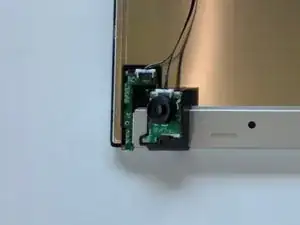
This guide will assist users to replace a damaged or nonoperational jog button.
Herramientas

-
-
Start by removing the screen bezel.
-
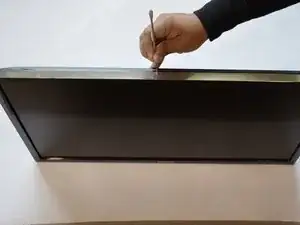
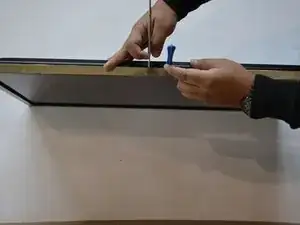
Use a pair of spudgers to pry between the bezel and the rest of the monitor.
-
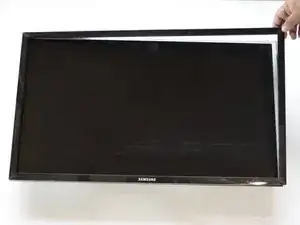
lay monitor on its back and pull off screen cover.
-
-
-
Flip the monitor over so that it is facedown.
-
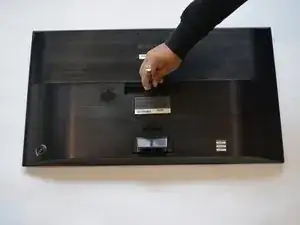
remove the single screw in the middle using a #2 Phillips screwdriver.
-
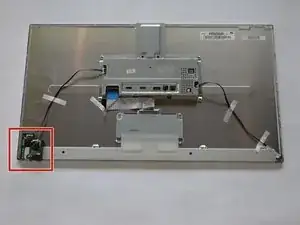
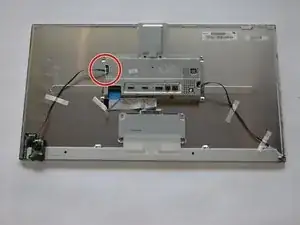
Remove the backing to reveal the Jog Button.
-
To reassemble your device, follow these instructions in reverse order. Ensure the bezel completely snaps in place all around monitor.
5 comentarios
i have a samsung u28d590d and it works just the same. simple and easy as the guide says.
joshsc2 -
Does anyone have the part number or where I can buy the new jog button?
“bn96-32135b “
this is the part number i found BN96-32135B