Introducción
Este reemplazo es necesario si no puedes encontrar ningún otro problema con tu teléfono pero aún no funciona.
Herramientas


-
-
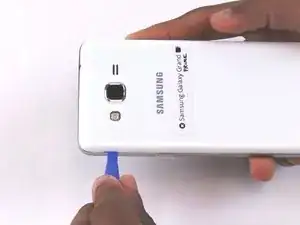
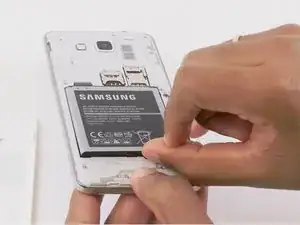
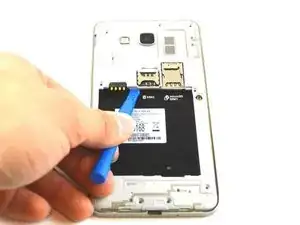
Retira la tapa trasera del teléfono levantando la pestaña de la tapa trasera con la herramienta de apertura de plástico azul.
-
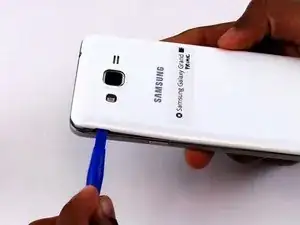
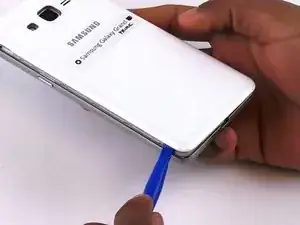
Da la vuelta al borde de la tapa trasera para quitarla por completo.
-
-
-
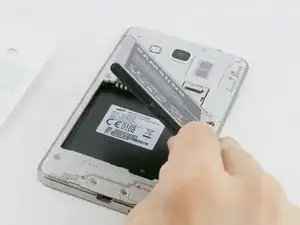
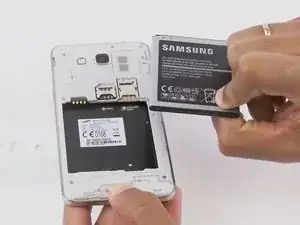
Retira la batería vieja levantando la lengüeta para el pulgar.
-
Limpia periódicamente los terminales de latón de la batería y el teléfono. Coloca una pequeña cantidad de ISO en un Q-tip y limpia con cuidado las conexiones.
-
-
-
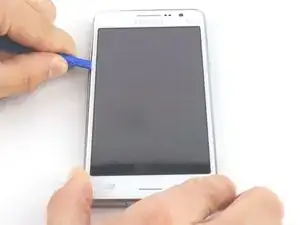
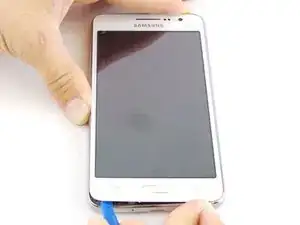
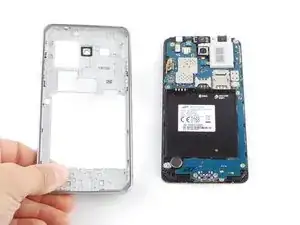
Coloca la herramienta de apertura de plástico azul entre el panel frontal y el lateral.
-
Mueve la herramienta de apertura de plástico azul alrededor de los bordes entre el panel frontal y el lateral.
-
-
-
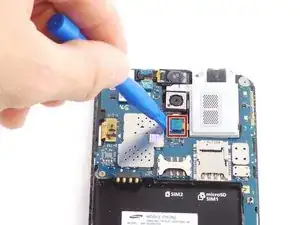
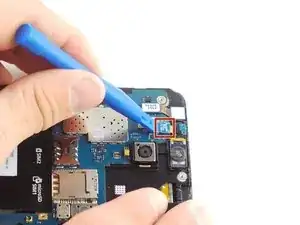
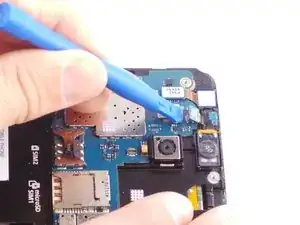
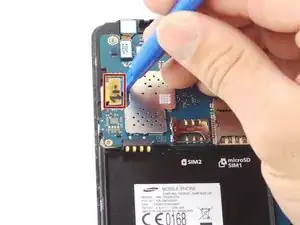
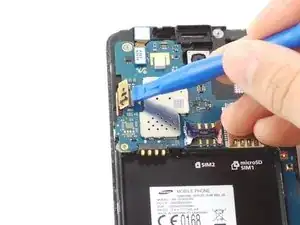
Desengancha el clip del cable plano con la herramienta de apertura de plástico y retira el conector de audio.
-
-
-
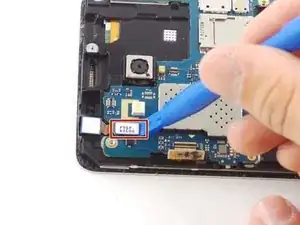
Desengancha el otro clip del cable plano de la pantalla con la herramienta de apertura de plástico azul.
-
-
-
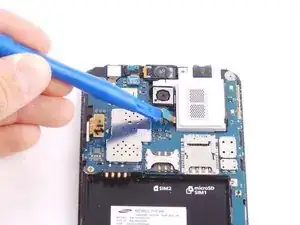
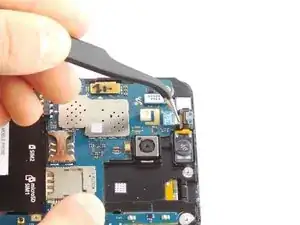
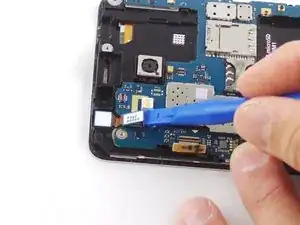
Desengancha el clip del cable plano de la cámara frontal.
-
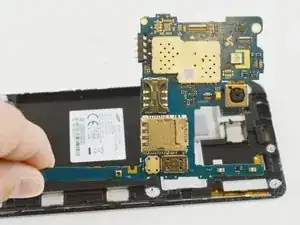
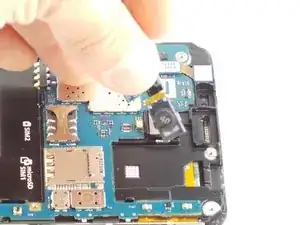
Levanta la placa base hacia arriba y hacia afuera del dispositivo.
-
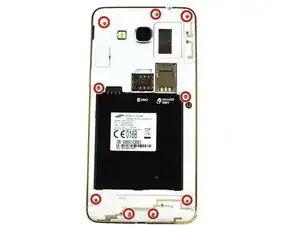
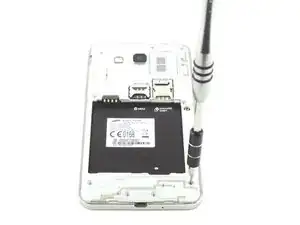
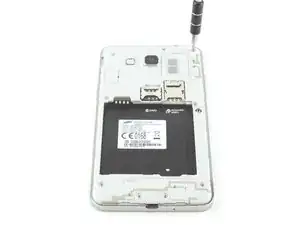
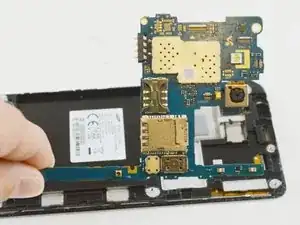
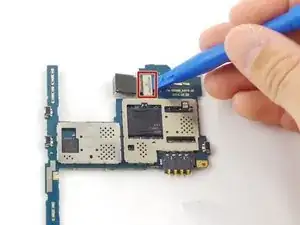
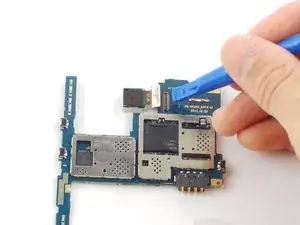
Para volver a armar tu dispositivo, sigue estas instrucciones en orden inverso.

12 comentarios
After fixing all the screen, for some reason the LCD was turning on but it showed black and i dont know if is because im missing a screw or because the LCD doesnt work?
Glo -
lol this is likely because you ruined the lcd. this tutorial forgot to mention that it is essential to apply heat, as the midframe is adhered on to the inner component.
Just need to get a idea on this phone, the silver backing thats usually stuck to the mid frame, when pulling out the old lcd this also came with it.
My question is whether or not that needs to replaced?
Also it changes screens all on its on.
My grand prime 4g board damage
Rakesh -
Thanks so much. I was getting seriously annoyed. This worked for me. However, I'll be getting another battery just in case. This helped big
Ana -