Introducción

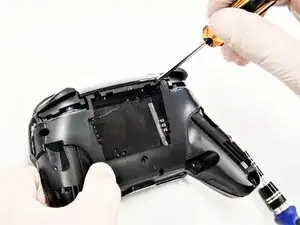
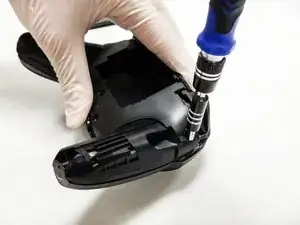
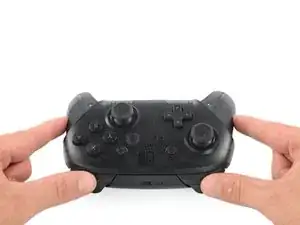
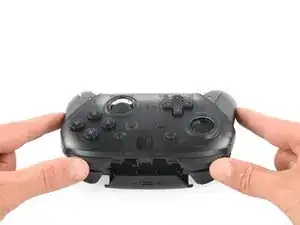
Después de usar el controlador Nintendo Switch Pro (modelo HAC-001), es común que la tapa del joystick se agriete o se rompa. Aunque las tapas no son parte integral de la funcionalidad del controlador, brindan comodidad y facilidad de uso de los joysticks. Esta guía solo ayuda con el reemplazo de las tapas del joystick, no con el joystick en sí.

  1. iaKRfcPV2HNC5yUK
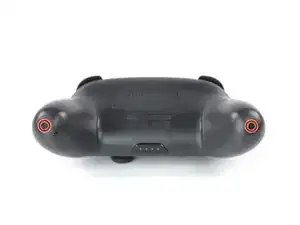
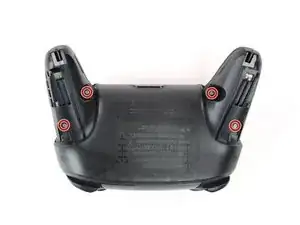
    • Voltea el mando para que las pegatinas de los modelos estén orientadas hacia el techo.

    • Usa un destornillador JIS #00 para quitar los dos tornillos negros de 8,4 mm que sujetan las manijas, ubicados en los extremos de las manijas.

    Be carefull, these screws are super easy to strip even with the right tools.

    Lukas Eberharter -

    I tried editing these instructions after I had trouble with stripping screws, but it doesn't seem to take. The issue is that these are JIS and not Phillips screws. They are VERY similar looking but a Phillips head screwdriver will strip the screws.

    Isaac Webb -

    I tried using a Philips #00 screwdriver but it didn’t work

    vincent ingrassia -

  2. pFHHOlTyvlQ43DOC
    pFHHOlTyvlQ43DOC
    KCE54LsPyGnuWTkW
    UNYZtREEKVfHallZ
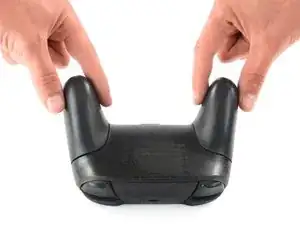
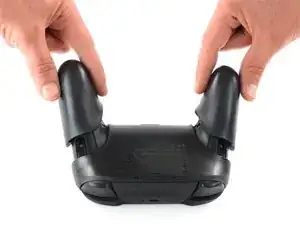
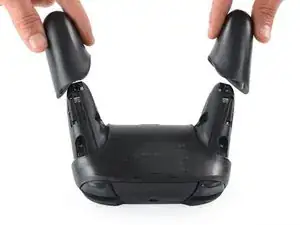
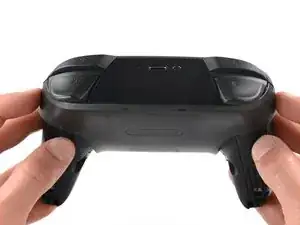
    • Retira con cuidado las tapas de las asas separándolas del cuerpo principal.

  3. 3OnYDcOU1gVR2fEG
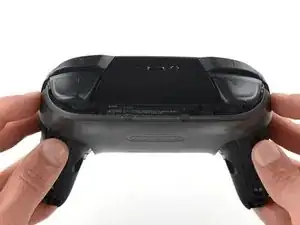
    • Utiliza un destornillador JIS n.º 00 para quitar los cuatro tornillos plateados de 6,8 mm que sujetan la cubierta de plástico transparente posterior.

  4. Zb3Ool4Evh63KKVd
    Zb3Ool4Evh63KKVd
    E4qBEgOibCQbXlIJ
    jihxJQfDSqclVJnF
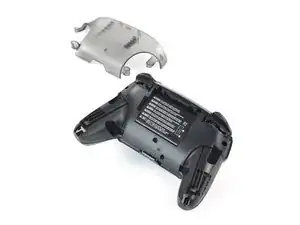
    • Retira con cuidado la cubierta de plástico transparente con la uña.

  5. p4bHAkTpIvuBFIfc
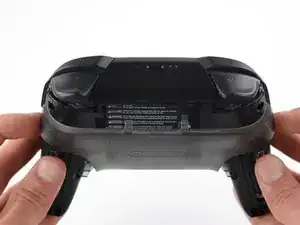
    • Retira la cubierta de plástico transparente.

  6. yUbMYllrTC6sSOGL
    yUbMYllrTC6sSOGL
    6pxWhyQpxoXGbs22
    vEF6WXIGCHUebiZO
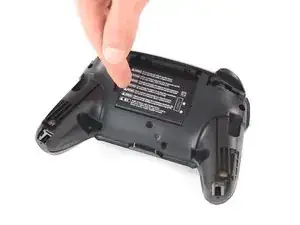
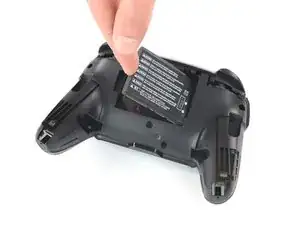
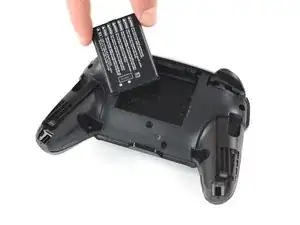
    • Retira la batería de iones de litio haciendo palanca con una uña o una herramienta de apertura de plástico en el lado izquierdo.

    • Sólo se necesita una pequeña cantidad de fuerza.

  7. 41hYi1SofYMKVF4B
    41hYi1SofYMKVF4B
    IhtOVVcrnx5IBHgJ
    WJ4LvGQlKLhlREns
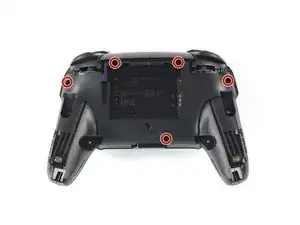
    • Usa un destornillador Phillips para quitar los cinco tornillos de 5 mm de largo de la parte posterior del controlador.

    the 2 screws up at the top are unreachable with the standard fixit kit just a heads up

    drew -

    Seconded. the screws are located too deep below the plastic slot, and the bit holding bulge is too wide for the small aperture (similarly with the flexible extension). the bit length is too shallow to reach.

    An alternative driver with a much narrower & longer shaft is required, which will likely not come with interchangeable bits.

    Douglas Selby -

    I would say it is possible to reach the top left screw, just not the top right - there is a gap in the top left that allows you to slightly bend the standard driver outward to turn it while still making adequate contact.

    El_Mechacontext -

    An update: I was actually able to remove the top right one in a really hacky way - inserting the Phillips #0 bit into the #4 hex bit, and then using that in the standard driver. This added just enough length to successfully reach and make full contact with the screw!

    El_Mechacontext -

    Using the #4 hex bit as an extension was the exact "hack" I needed to get rid of the drift finally. Thank you. You're a lifesaver.

    Das #4 Hex Bit als Verlängerung für das Kreuzschlitz Bit zu nutzen ist zwar etwas eng, aber es erspart einem wirklich einen zusätzlichen Schraubendreher.

    Techn0magier -

  8. PnIrdtdY4KCyxuKK
    PnIrdtdY4KCyxuKK
    ZBKtxPXnhQuBTaDN
    OZcevYGCPPARFaRx
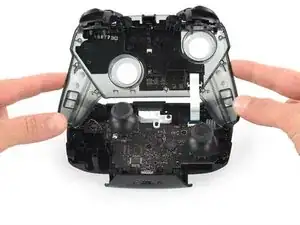
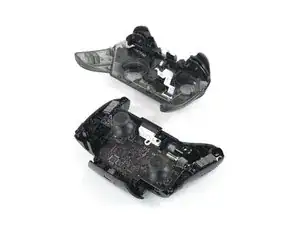
    • Retira con cuidado la cubierta de plástico del controlador.

    • No quites por completo la cubierta frontal todavía, ya que todavía está unida a la placa base a través de un cable plano blanco.

    Didn't realize there is adhesive holding the front cover onto the unit. It's located inside of the handles. Just a bit of force there helped, just be careful of the cable.

    Roger Perez -

  9. NpVhXDsYSWmW4tBT
    NpVhXDsYSWmW4tBT
    QXe1DlCMuCXbrveX
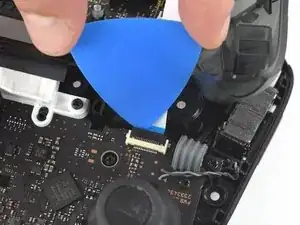
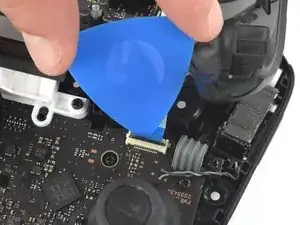
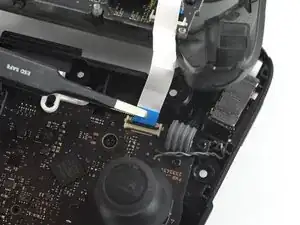
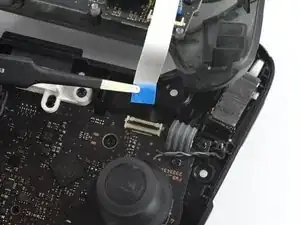
    • Usa la punta de una púa de apertura para abrir la solapa negra del conector ZIF empujándolo hacia arriba

  10. 3qj6VtFJtKAHHm6I
    3qj6VtFJtKAHHm6I
    YJvaLXngDhvHF1Gr
    • Usa tus dedos o un par de pinzas de punta roma para desconectar el cable de interconexión de su conector.

  11. OpC2vBHXBB35uAQ4
    • Retira la carcasa frontal.

  12. fmhalkYPurcsCRYL
    fmhalkYPurcsCRYL
    elaYKLLtkDSyGABw
    rEIOPXEXhFo3sEO1
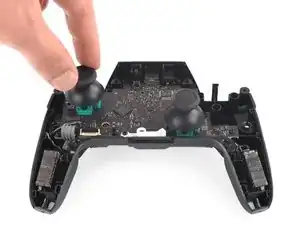
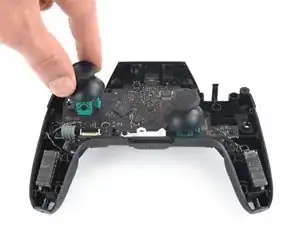
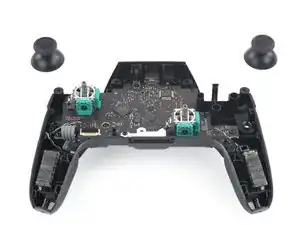
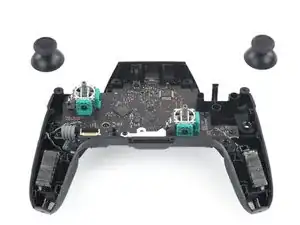
    • Con una fuerza ligera, extrae las dos tapas de la palanca de mando del controlador.

Conclusión

Para volver a armar tu dispositivo, sigue estas instrucciones en orden inverso.

Christian Rudnick

Miembro Desde 10/10/19

333 Reputación

3 comentarios

Where can I get the replacement caps?

Locke Valentine -

do you know where to find a replacement cap? If so can you give me link, thanks!

Jesus Acosta -

You really don't need to disconnect the ZIF to replace the caps. It might make things a tiny bit easier, but is best not to mess with it AT ALL if you're only replacing the caps. As messing it up, or not connecting it properly when you're putting it back together can lead to ALL your face buttons and D-pad not working.

master2873 -