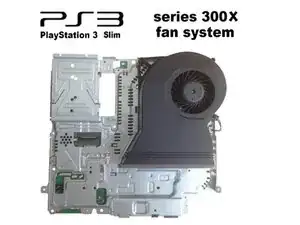
Introducción
Si deseas reemplazar el ventilador o limpiar el sistema de ventilación, tutorial en video:


-
-
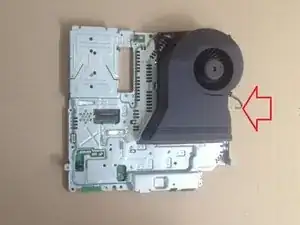
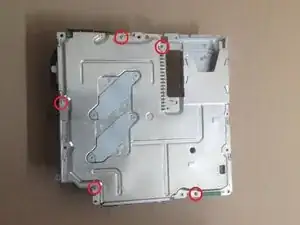
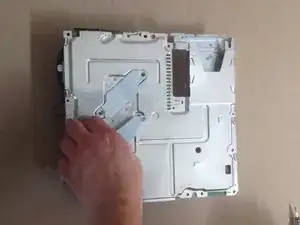
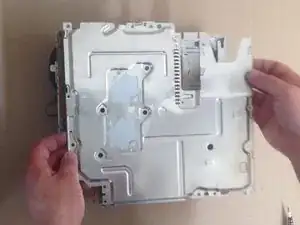
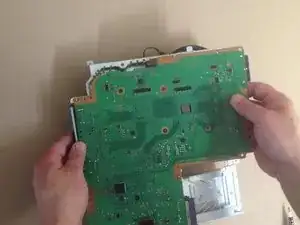
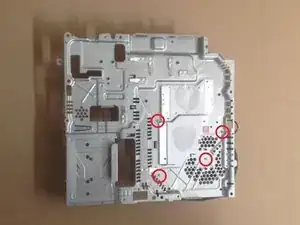
Retira las dos abrazaderas del disipador de calor y el protector inferior, luego separa con cuidado la placa base del protector superior.
-
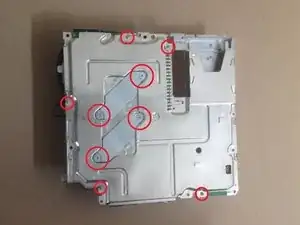
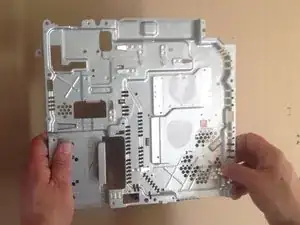
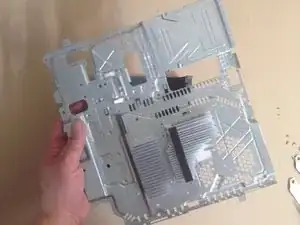
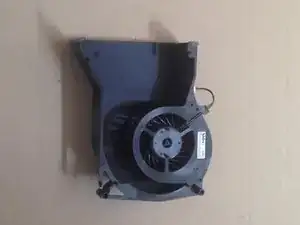
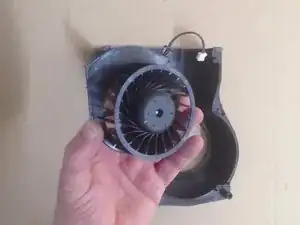
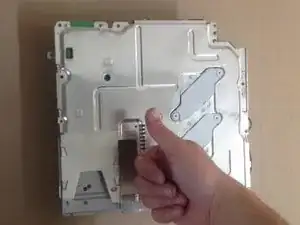
Para volver a armar tu dispositivo, sigue estas instrucciones en orden inverso.

2 comentarios
Awesome guide. Thank you so much. I did it, but now I just wonder what that white stuff was when I removed the motherboard. I think it's that thermal stuff people have been talking about and I suppose I have to replace that. I also hope that it's the fan that is what's causing my PS3 to say that it's overheating and shut off. I'm so glad you guys posted this. Great job. I rather do it myself than pay Sony an arm and a leg. Cheers!
This is CPU / GPU thermal paste / compound. I recommend you Arctic MX-2, MX-4. It is very good and not expensive.
ZFix -