Introducción

  1. KdMkTTlaLiyDHSIC
    KdMkTTlaLiyDHSIC
    6Rc4mNfBYUeIyjeT
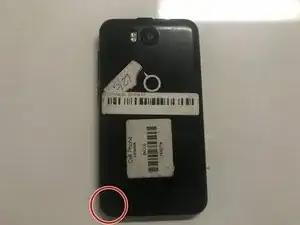
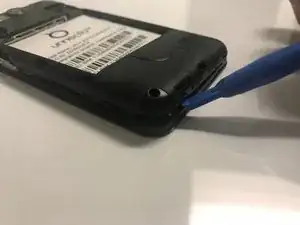
    • Place the phone facedown on a cleared work area

    • Remove the back case by applying moderate force to the indentation in the lower left corner of the case.

  2. rScPlTXPxhUnYwxl
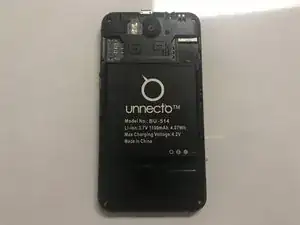
    • Grip the top right corner of the battery.

    • Remove the battery by pulling it outwards.

  3. VAPyQBZRypHmkLRy
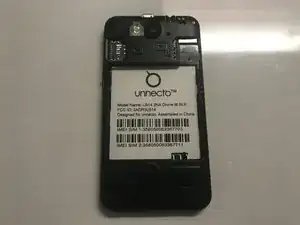
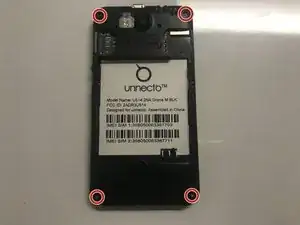
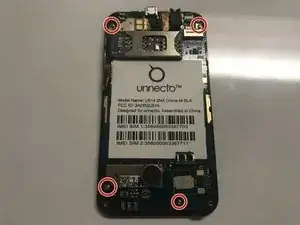
    • Remove the four screws on the back of the phone using a Philips 000 screwdriver

  4. DcIMkDaudnktoOFO
    • Separate the frame evenly using a plastic opening tool.

    • Be careful, as the frame is thin and can break easily.

  5. dfUmZIJLeLu5ZbUW
    dfUmZIJLeLu5ZbUW
    RybrgEkFfbjiCMv3
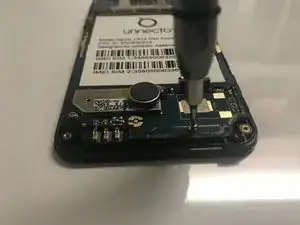
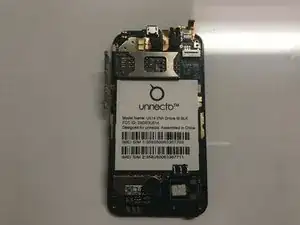
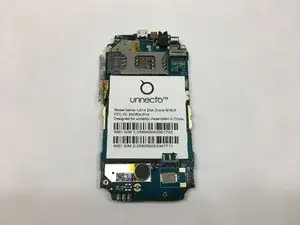
    • Use a Phillips #000 screwdriver to remove the four screws that secure the motherboard.

  6. tPCeXu3lLxEblWlk
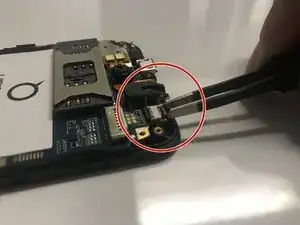
    • Disconnect the ribbon cable from the motherboard using rounded, spade-tipped tweezers.

  7. ZtOyTeXjTRLqDP2v
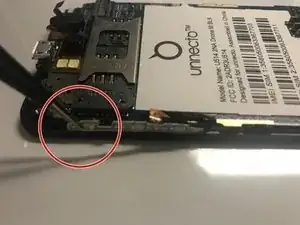
    • Peel the white circuit on left side of the frame by inserting fine-tipped tweezers between it and the frame.

    • The white circuit is flimsy and securely glued to the frame.

  8. q6kPmCPsIFyUagU4
    q6kPmCPsIFyUagU4
    YJVIvfNkCmnB42Sl
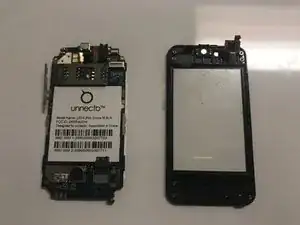
    • Set aside the circuit board from the screen protector.

  9. uCbAJBYYRC2aI2PK
    uCbAJBYYRC2aI2PK
    RfuV5JhpiLm1UEvu
    HbtLgOUZBVKK4TgK
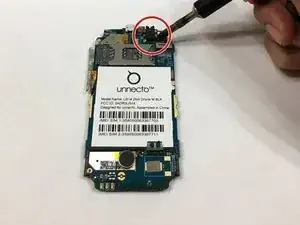
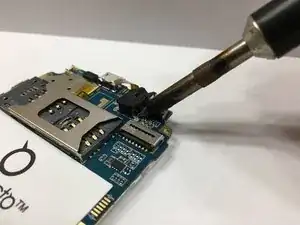
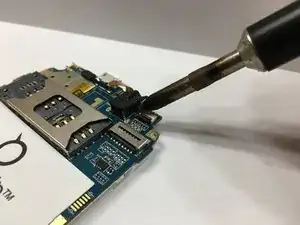
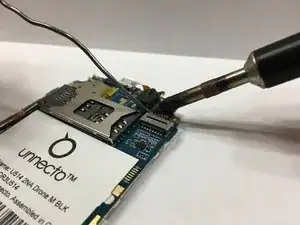
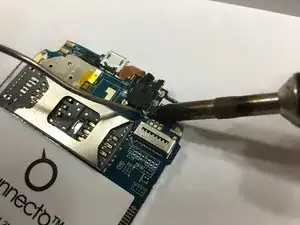
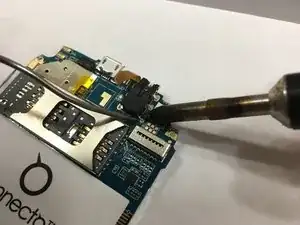
    • Desolder the headphone jack using a soldering iron on each of the 6 points holding it down.

    • Be careful to not damage the circuit board.

  10. TgOu5aCDbAoaAPZe
    TgOu5aCDbAoaAPZe
    pgHWjKWItUDPshgI
    • Solder on a new headphone jack.

  11. DrTmH4TZnA4QYq1Q
    • Make sure the new jack is aligned properly and securely soldered to the circuit board.

Conclusión

To reassemble your device, follow these instructions in reverse order.

John Stavrianopoulos

Miembro Desde 08/02/18

175 Reputación

0 comentarios