Introducción

Follow this guide to replace the volume buttons on a ZTE Lever smartphone.

  1. c3JqaLTXpJpmEGhN
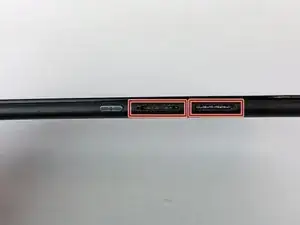
    • Remove the SD card and the Sim card from the device.

    • The Sim and SD cards are not shown here as our device did not come with them.

  2. ZUlMEHcKWY1BXqTM
    ZUlMEHcKWY1BXqTM
    Af5ZUELBMBXY2RMu
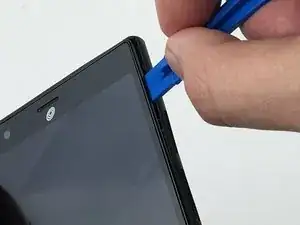
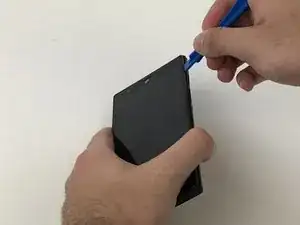
    • Use an iFixit opening tool to separate the back from the device.

  3. FIR2patmhFWAeDjW
    FIR2patmhFWAeDjW
    lbj3chyP52KxBshT
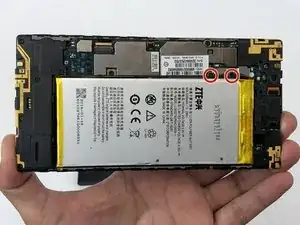
    • Remove the two 1.6mm Phillips #0 screws from the battery plug cover.

    • Remove the cover.

  4. 4C4IK22ZrvyQbYfv
    4C4IK22ZrvyQbYfv
    LUMR1PyO3JpVkGjb
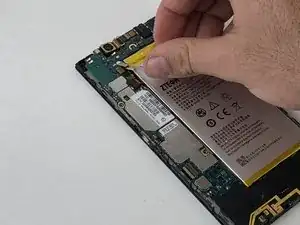
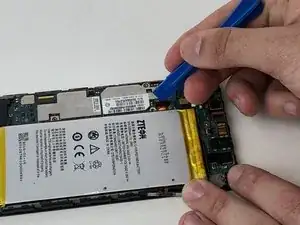
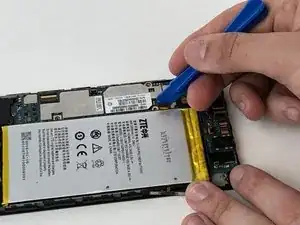
    • Disconnect the battery cable from the motherboard with a plastic opening tool.

  5. bKBbOqRBaiuVDpfI
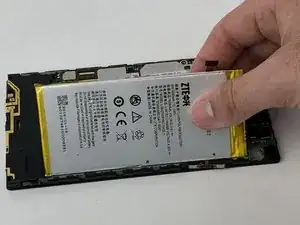
    • Use your hands, or a plastic opening tool, to pry the battery from the phone.

  6. GSeoxXwRNQYcYxs2
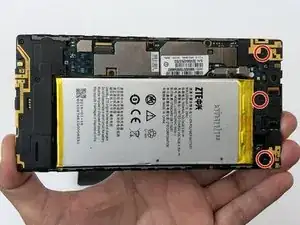
    • Remove the three 1.6mm Phillips #0 screws from the plastic cover on the motherboard.

  7. UfwVBcLXHwinrX3e
    UfwVBcLXHwinrX3e
    HU3uivDpTGktGNe2
    lOeQ5BlyIMQ6Es1o
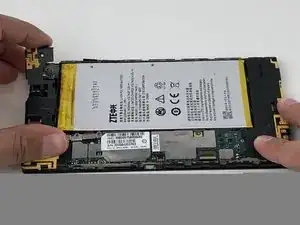
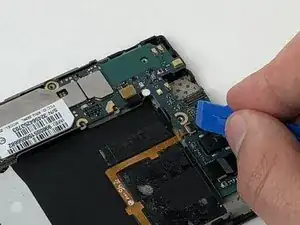
    • Remove the top plastic motherboard cover using a plastic opening tool.

  8. M3OlJKLmUm3MMSAL
    M3OlJKLmUm3MMSAL
    fpIwNRMjfbNERAIc
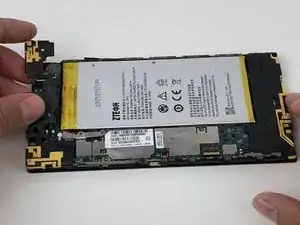
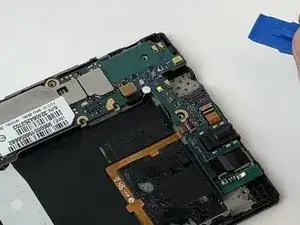
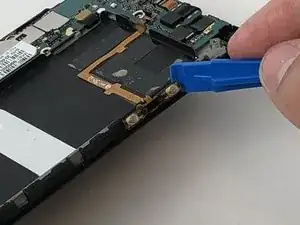
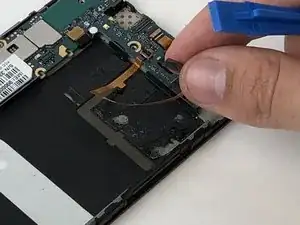
    • Use a plastic opening tool to flip up the retaining flap on the volume ribbon cable ZIF socket.

  9. VDWIym5OxByDqOj6
    VDWIym5OxByDqOj6
    fxEoKPrstQTX6w1I
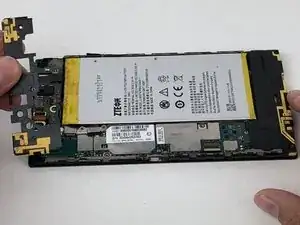
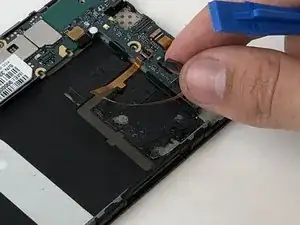
    • Peel up the volume button cable from the phone with hands, or plastic opening tool.

Conclusión

To reassemble your device, follow these instructions in reverse order.

Michael Gonzalez

Miembro Desde 29/01/18

501 Reputación

0 comentarios