Introducción
Replace or change the CD drive faceplate.
Herramientas


Partes
-
-
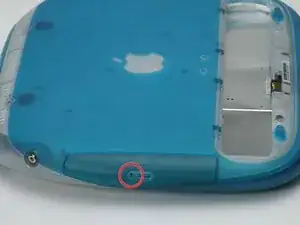
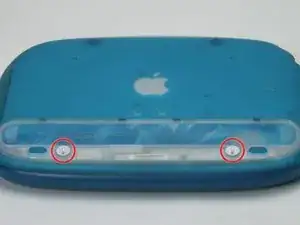
Use a coin to turn both battery locking screws 90 degrees to the left.
-
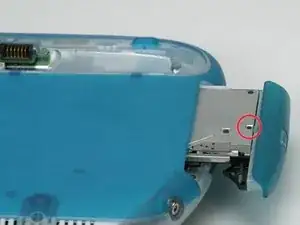
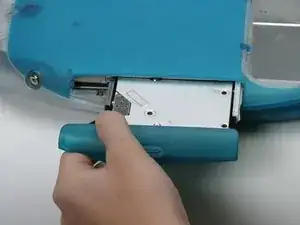
Remove the battery cover.
-
Remove the battery from the computer by pulling up on the plastic tab.
-
Conclusión
To reassemble your device, follow these instructions in reverse order.

2 comentarios
There are two small black phillips screws which ALSO need to be removed ...... on some models. Although appearing identical, these covers are "similar" but NOT interchangeable between models of CD-Rom.
Help I've broke my drive cover and it won't go back on how do I fix that