Introducción

Use this guide to remove the SIM tray.

  1. bNmYejDxT1djUW2M
    bNmYejDxT1djUW2M
    4mvBdp45x55BEPsx
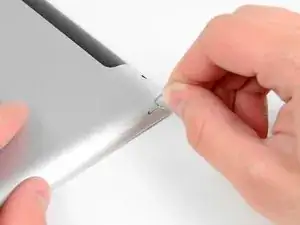
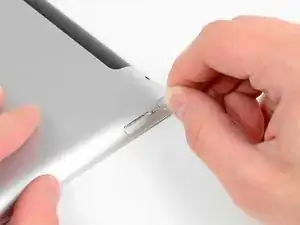
    • Use a SIM eject tool or an uncoiled paperclip to eject the SIM tray.

  2. IwUbYtK6UPOCCPYe
    IwUbYtK6UPOCCPYe
    cGTtjNnynrpY3r6s
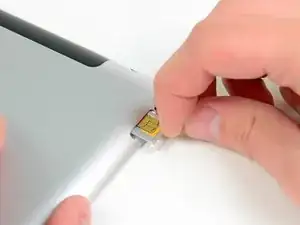
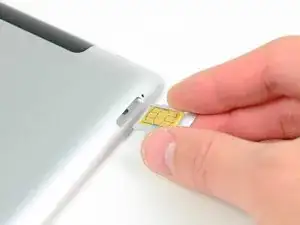
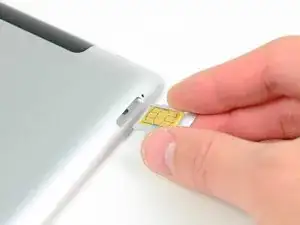
    • Pull the SIM tray out of its slot and remove it from the iPad.

    • If replacing the SIM card, pop it out of its tray and install the new one.

Conclusión

To reassemble your device, follow these instructions in reverse order.

Sam Goldheart

Miembro Desde 19/10/12

457951 Reputación

Un comentario

Hi, my Ipad 4 SIM tray pops out just a little bit and gets stucked every time..can`t change the SIM card..what to do??

rgrds/Matti

mattisaxelin -